Platforms
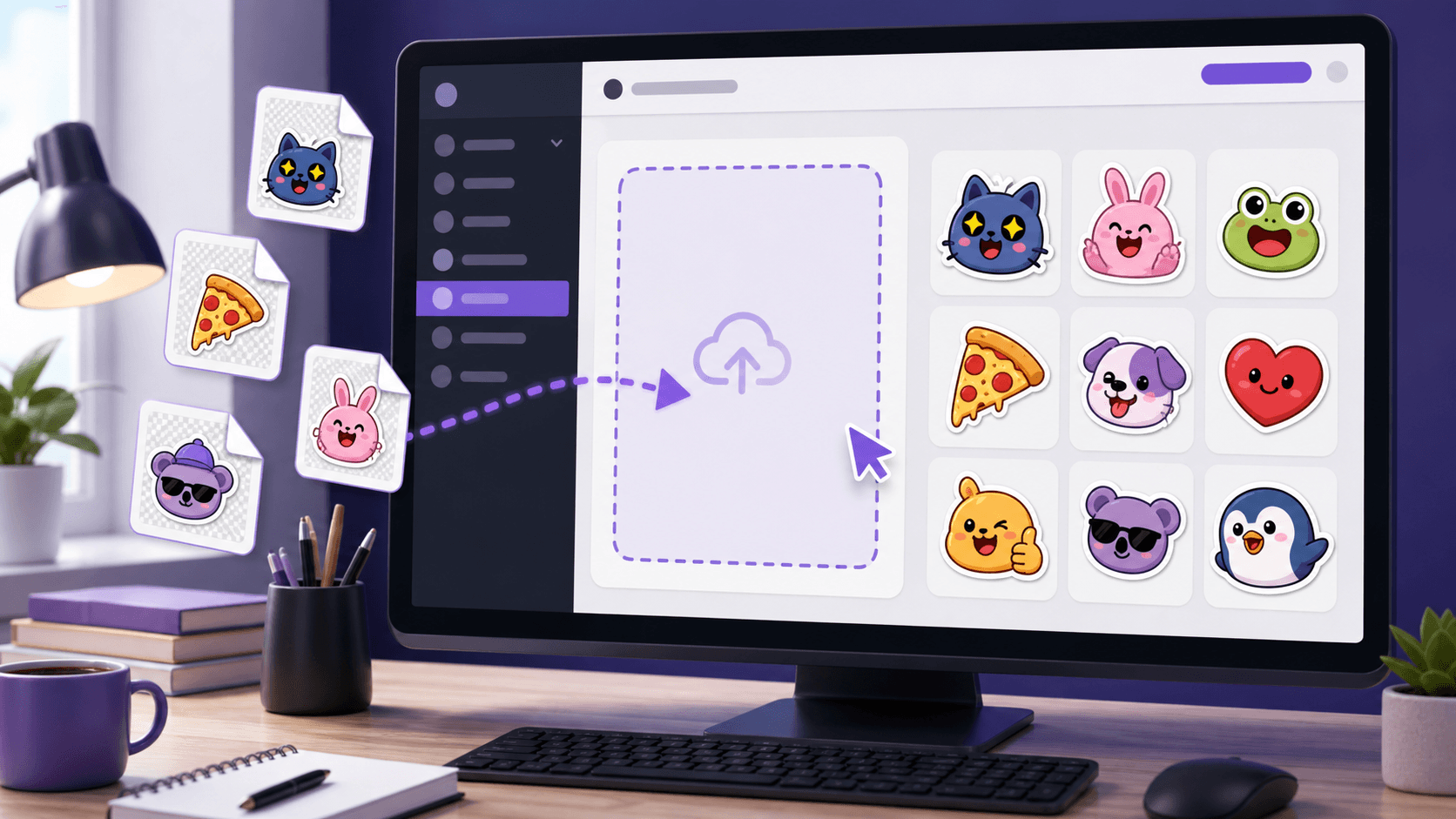
How to Upload Downloaded Stickers to Discord
Learn how to add downloaded PhotoToSticker PNG files to a Discord server, check permissions, and use them in chat.
PhotoToSticker
Plan reactions that read clearly in chats, streams, notebooks, and on laptops.
Learn how to add downloaded PhotoToSticker PNG files to a Discord server, check permissions, and use them in chat.
Use Telegram's Stickers bot to publish downloaded PhotoToSticker PNG files as a sticker pack and share it with a link.
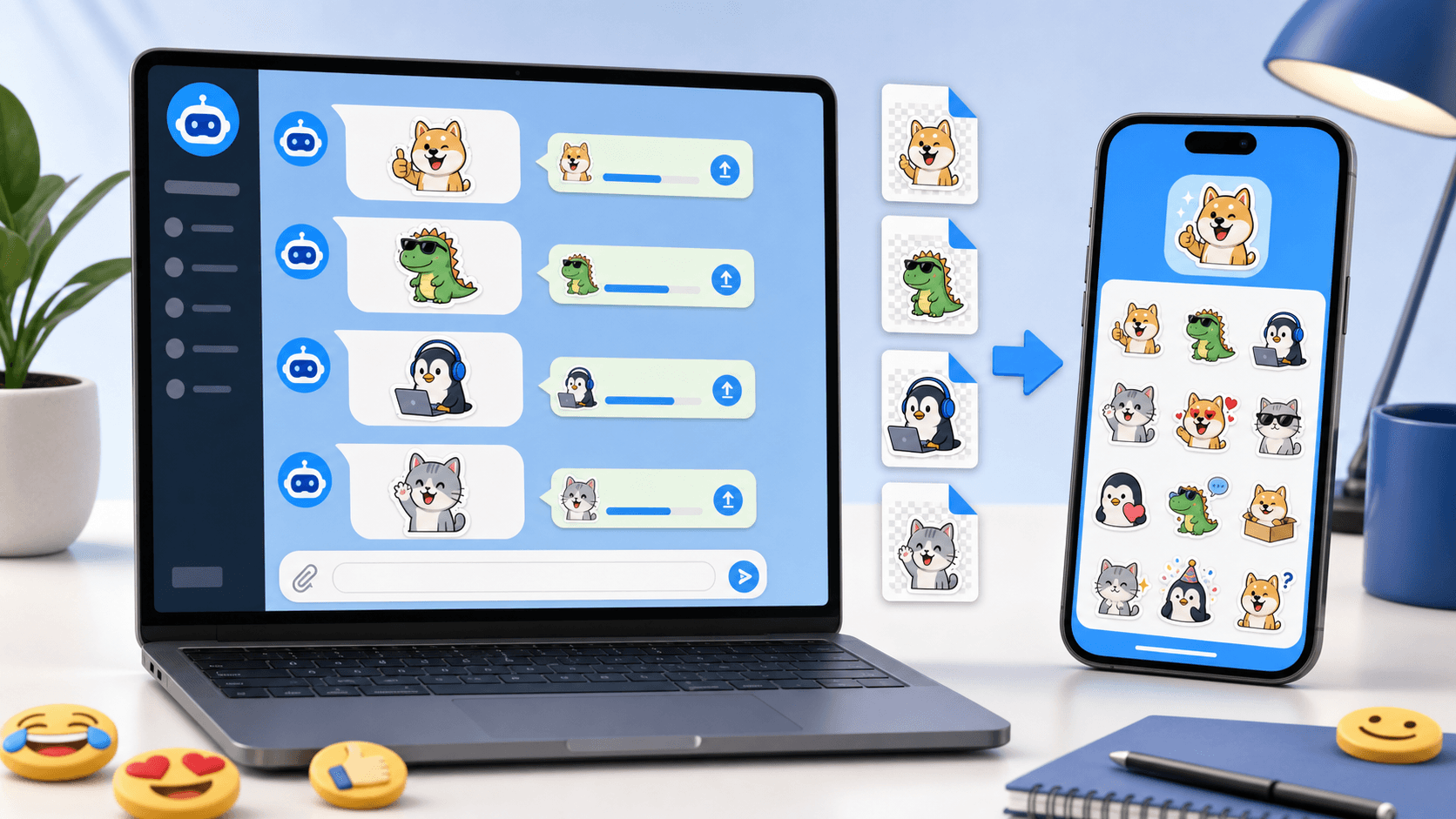
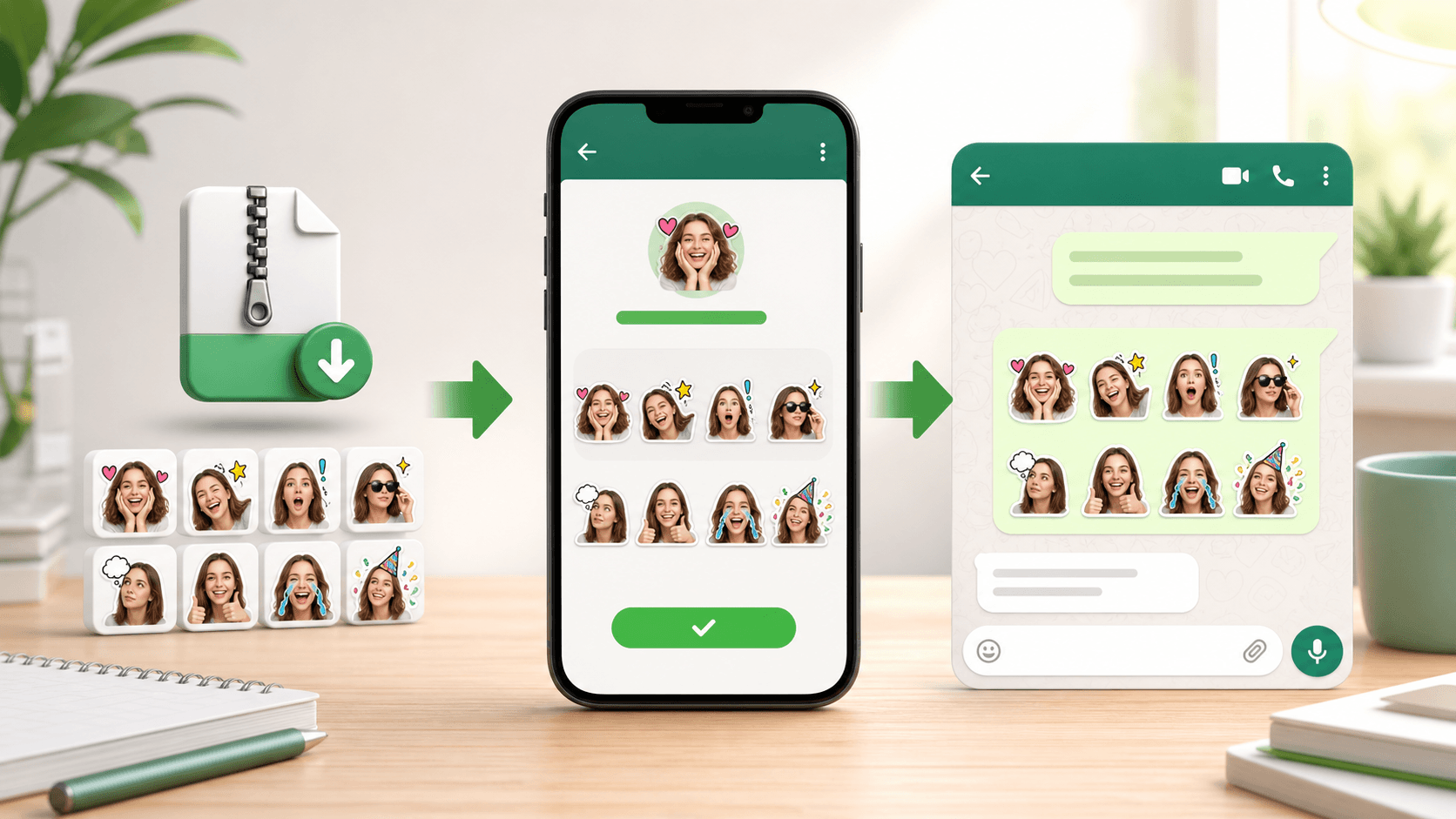
Learn how to find WhatsApp stickers, prepare PhotoToSticker ZIP and WebP files, import a pack with a compatible app, and troubleshoot Status or iMessage compatibility.
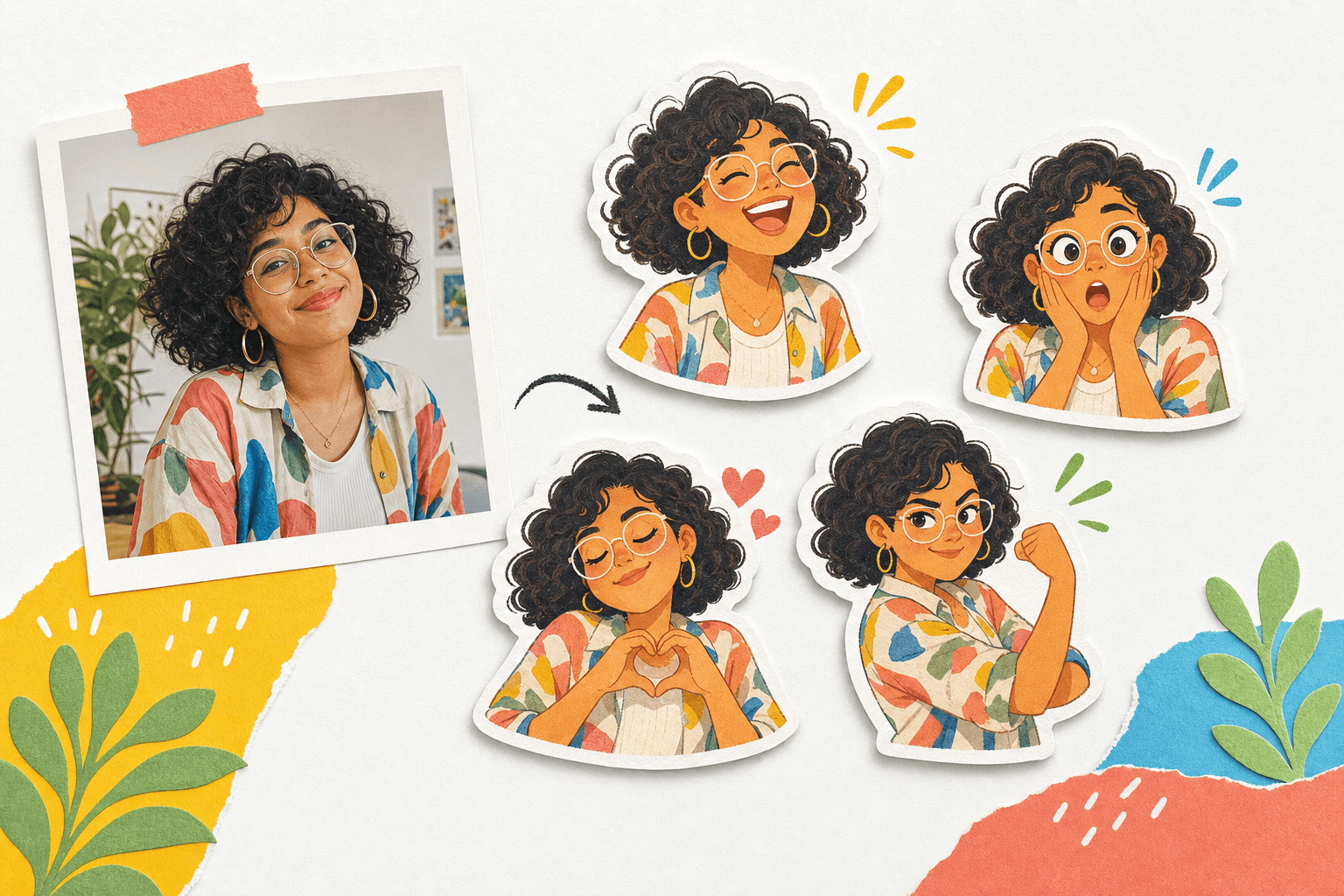
Plan a personal sticker pack around a clear source photo, useful emotions, and reactions that remain readable in chat.
Compare verified static sticker and emote dimensions, formats, file-size limits, transparency rules, and import paths, then check a PNG or WebP locally in your browser.
Learn why stickers use white borders, compare practical 8px, 10px, 18px, and 28px starting widths, and test the outline on real backgrounds.
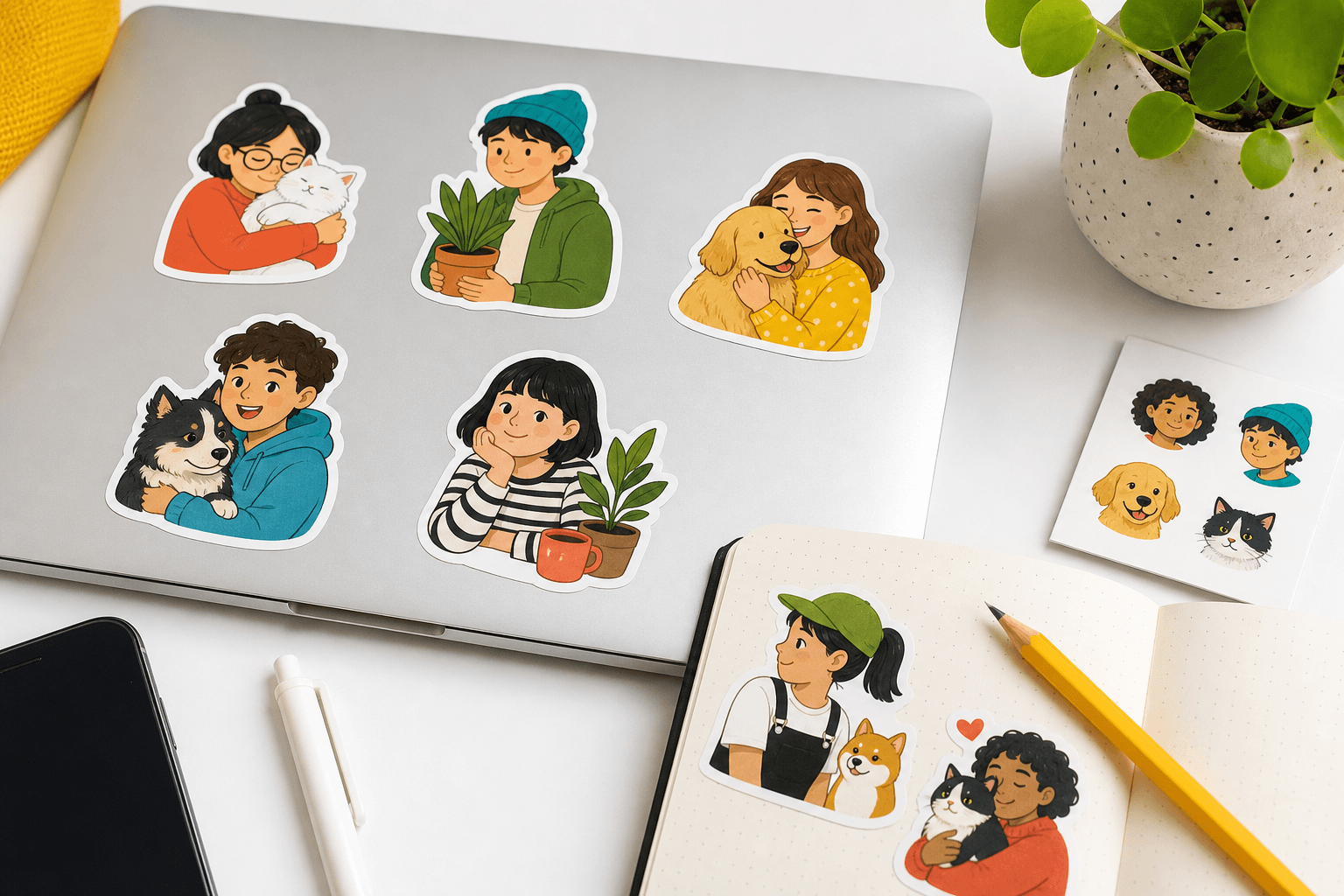
Prepare personal stickers for print with enough resolution, a deliberate material, a clear cut line, and thoughtful placement.