Sixteen 512 × 512 transparent PNGs
The generated 4 × 4 sheet is automatically split into sixteen real PNG files, not left as one combined preview, SVG, Unicode code point, font source, keyboard, or platform archive.
One written idea, sixteen independent images
This Emoji Maker turns your description and chosen style into one 4 × 4 sheet, then splits it into sixteen transparent 512 × 512 PNGs. An optional reference can guide the subject or style. The result is custom raster artwork, not a Unicode character, keyboard, portrait reaction set, or sticker pack.
Describe a custom Emoji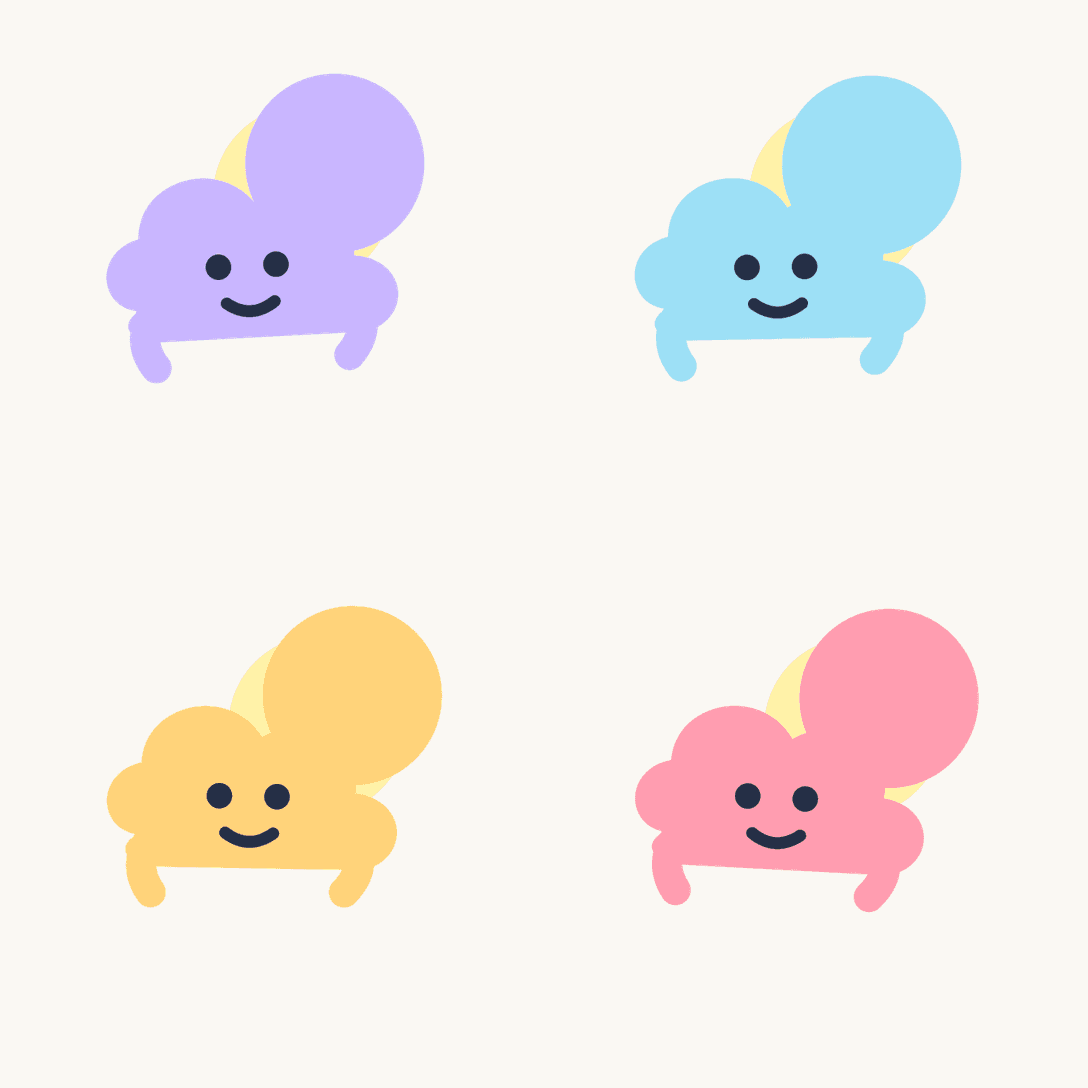
Write the idea before generating
Describe one object, action, or feeling, then choose Classic, 3D, Flat, or Pixel. A JPG, PNG, or WebP reference is optional and guides the subject or look; it does not turn this page into a portrait reaction generator.
Describe one object, action, or feeling. Each request creates one 4 × 4 sheet and splits it into sixteen separate Emoji.
0/300
Add one JPG, PNG, or WebP up to 10 MB for subject or style guidance. Text remains the main instruction.
Checking your generation balance…
One generated sheet, sixteen separate files
Each request creates one 4 × 4 sheet, then splits it into sixteen centered 512 × 512 transparent PNGs for individual or ZIP download.
The generated 4 × 4 sheet is automatically split into sixteen real PNG files, not left as one combined preview, SVG, Unicode code point, font source, keyboard, or platform archive.
Your text and optional reference are sent only after you choose Generate. The public page stays readable when generation is disabled.
The tool checks transparency, visible content, and dimensions. It does not register a character, install a keyboard, publish to an app, or guarantee acceptance.
Describe, choose, review
Keep the prompt concrete, choose one treatment, and compare all sixteen files at the size where you plan to use them.
Write three to 300 characters naming the object, action, or emotion. Add one permitted reference only when visual guidance helps.
Choose Classic for familiar digital polish, 3D for dimensional materials, Flat for bold simple shapes, or Pixel for grid-built detail.
Review all sixteen results on the checkerboard, download selected PNGs or the complete ZIP within 24 hours, and decide where the raster artwork is appropriate.
Small custom symbols for visual communication
A text-first input supports objects, mascots, visual jokes, moods, and actions without forcing every idea through a face-photo workflow.
Describe an inside joke, favorite object, tiny creature, or familiar mood and choose the most readable of sixteen alternatives.
Explore a permitted mascot, event symbol, or group idea without producing a complete platform pack or claiming native support.
Generate compact raster concepts for posts, overlays, or product discussions. Verify rights, destination rules, and readability before publishing.
A precise custom-image contract
The Emoji Maker keeps the request narrow so the page name, user intent, and delivered image files remain aligned.
Custom Emoji questions
These answers separate raster artwork from reaction packs, Unicode, fonts, and publishing.
Describe one object, action, or feeling in three to 300 characters. You may add one permitted reference image for subject or style guidance.
Yes. A successful request generates one 4 × 4 sheet and splits it into sixteen individual transparent 512 × 512 PNGs, each with its own preview and download action.
No. Your description and optional reference are sent to the generation service only after you submit. The local Sticker and Logo editors are separate tools.
Yes. Choose exactly one style for a request. All sixteen alternatives follow that direction while varying pose, angle, expression, or composition.
No. It creates custom raster PNG artwork without Unicode submission, code points, font files, keyboard installation, platform upload, or approval guarantees.
Choose the neighboring image workflow
Use another dedicated page when your intent is a four-style portrait, eight fixed Twitch reactions, or a broader sticker workflow.
Choose a style, add an optional permitted reference, and use the Emoji Maker when sixteen independent raster symbols match your intent.
Create with the Emoji Maker