How do I make a Telegram sticker pack from a photo?
Upload a clear photo for the free browser-local sticker. Sign in only when you want the full 16-expression generated pack.
Telegram sticker pack maker
Turn one portrait, pet photo, or favorite picture into a browser-local sticker, then create 16 matching reactions ready for Telegram's sticker tools.
Make your pack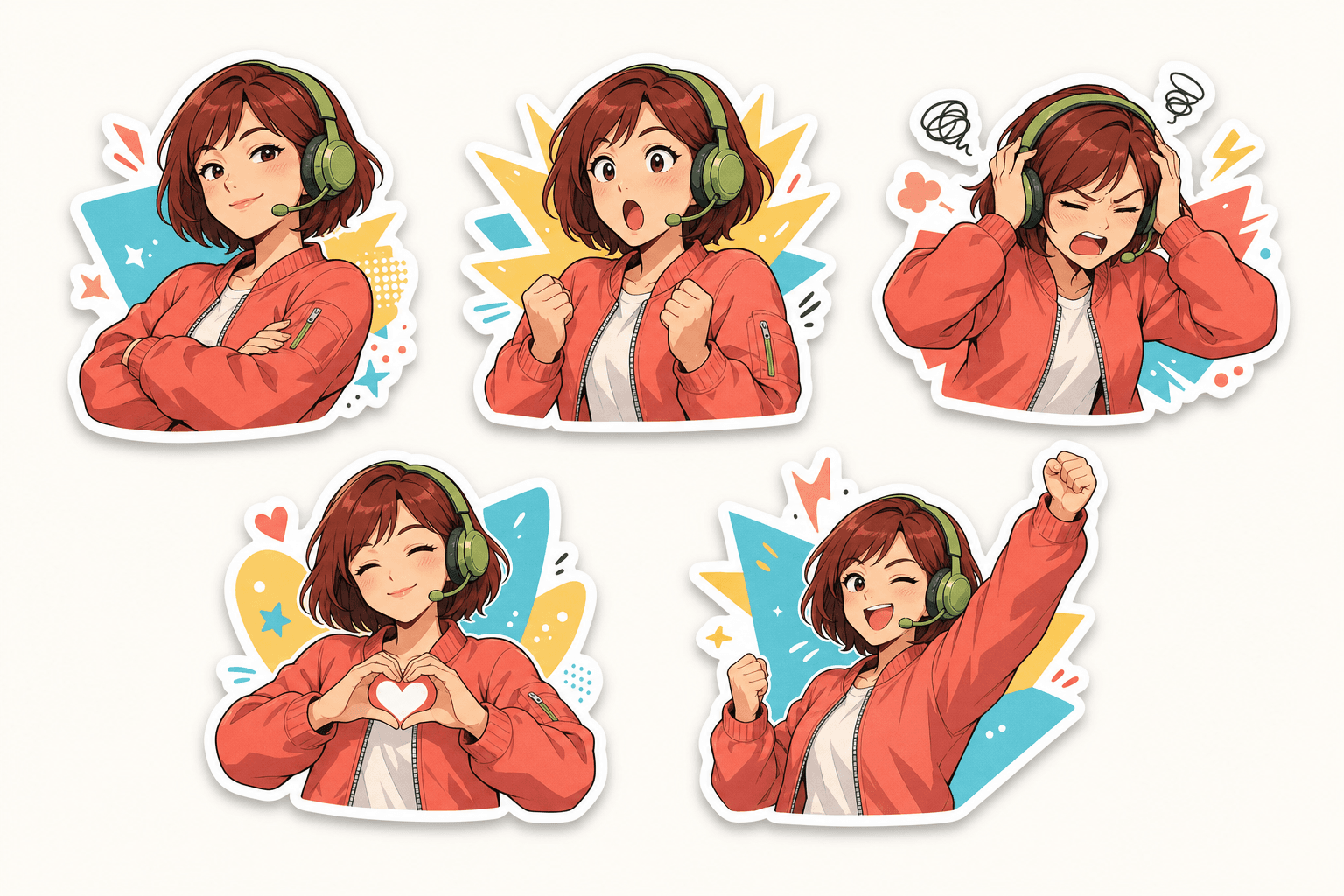
Correct files, before you import
Telegram accepts static PNG or WebP stickers. One side must be exactly 512 pixels, and the other side can be 512 pixels or less.
From ZIP to sticker tray
Use Telegram's built-in Sticker Editor or the @Stickers Mini App to create a reusable set from the downloaded PNG files.
Upload one clear photo and generate the 16-expression pack in the studio above.
Keep Telegram selected, download the archive, and unzip the PNG files on your device.
Open the sticker panel in a chat and tap the plus button, or open the @Stickers Mini App.
Add each file, choose an emoji that matches its emotion, then save and share the sticker set.
Platform questions
What the tool creates, what stays local, and how the downloaded files become a Telegram set.
Upload a clear photo for the free browser-local sticker. Sign in only when you want the full 16-expression generated pack.
The Telegram download contains sixteen transparent 512 × 512 PNG files. Telegram also accepts static WebP artwork.
Unzip the download, then use Telegram's built-in Sticker Editor or the @Stickers Mini App to add the files and assign matching emoji.
The free instant sticker stays in your browser. Your photo is sent to the configured image model only after you explicitly start full-pack generation.
Yes. Download the instant PNG without signing in, or continue to generate the matching 16-reaction pack.
Keep creating
Compare another export workflow or check the size guide before you publish.
Export the same 16 reactions as WhatsApp-ready WebP files.
Compare WhatsApp, Telegram, Discord, and Twitch formats.
Use the Emoji Maker to generate and download sixteen transparent custom Emoji for chats and communities.