28, 56, and 112 pixel PNGs
Each static reaction includes transparent PNGs at 28 × 28, 56 × 56, and 112 × 112 for manual-size upload.
Static creator reactions in explicit sizes
This Twitch emote maker turns one creator or channel-character image into exactly eight static reactions: Hype, LOL, Love, Rage, Shock, Sad, GG, and Lurk. Each comes as transparent 112, 56, and 28 pixel PNG files for manual upload. It does not animate, upload, or guarantee approval.
Upload a creator photo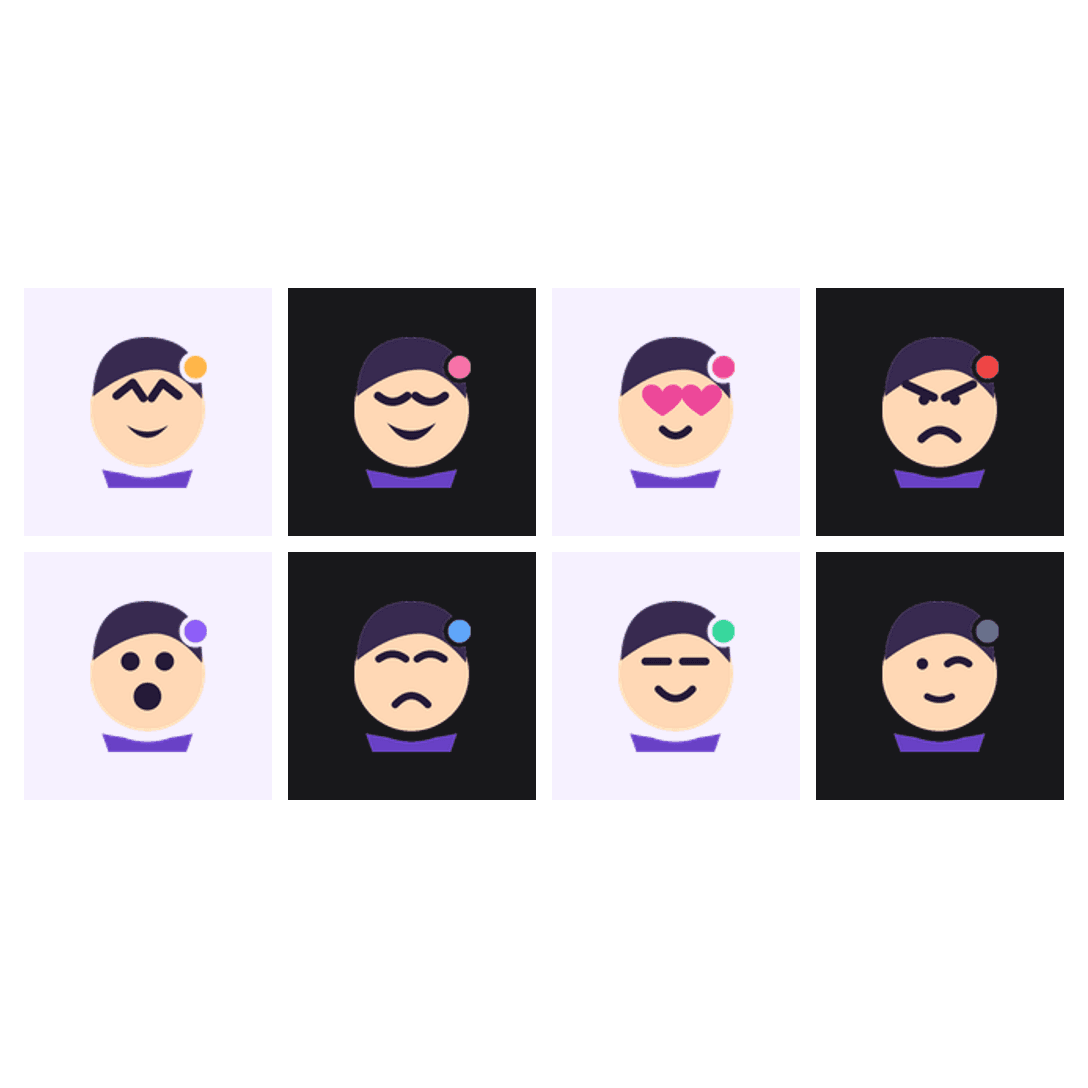
One creator, eight fixed reactions
Upload one permitted creator or character image. One request generates Hype, LOL, Love, Rage, Shock, Sad, GG, and Lurk in three transparent PNG sizes.
Use one permitted JPG, PNG, or WebP with a clear face or silhouette. This image is the identity reference for all eight reactions.
One request always creates this complete set; there are no hidden reaction, platform, or size options.
Checking your generation balance…
Real Twitch emote example
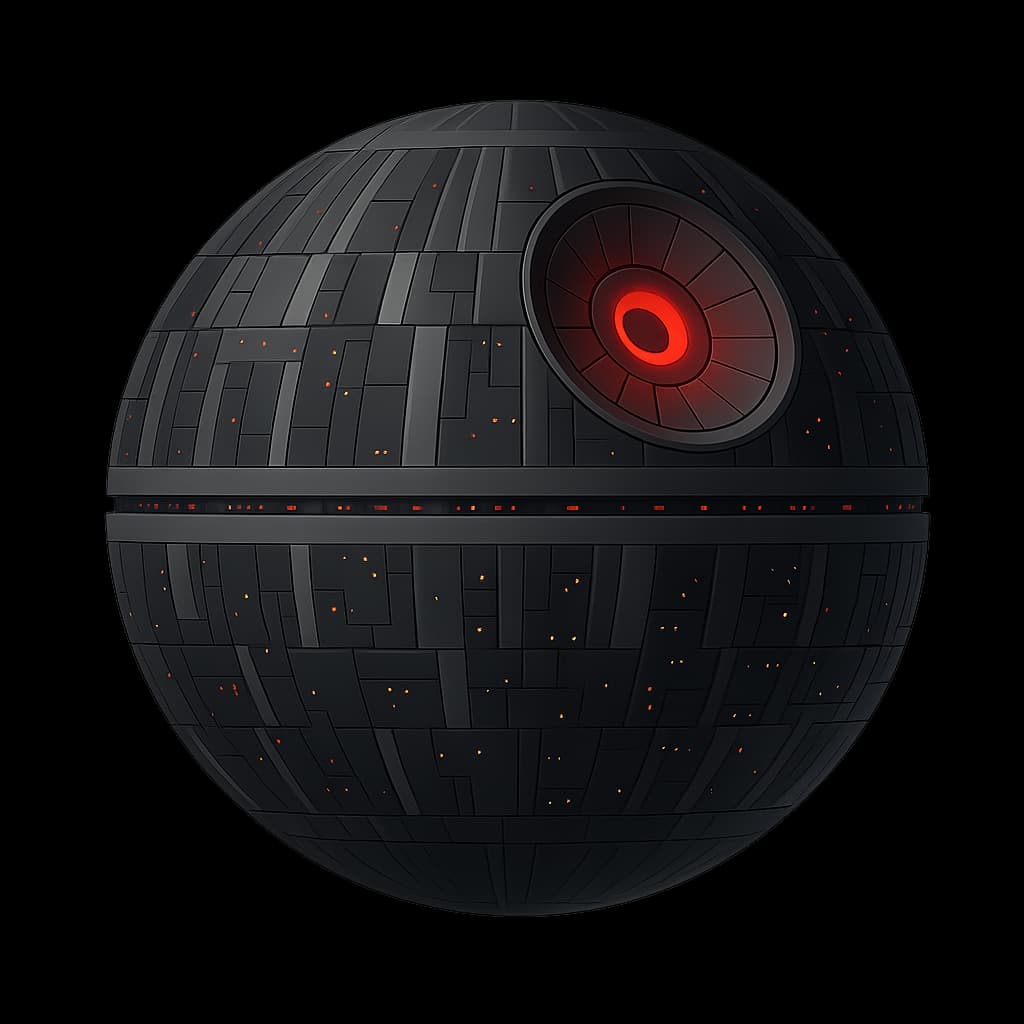
This Twitch emote maker example keeps the same dark channel character recognizable while turning it into a complete reaction set.
Original channel character
Generated eight-emote set
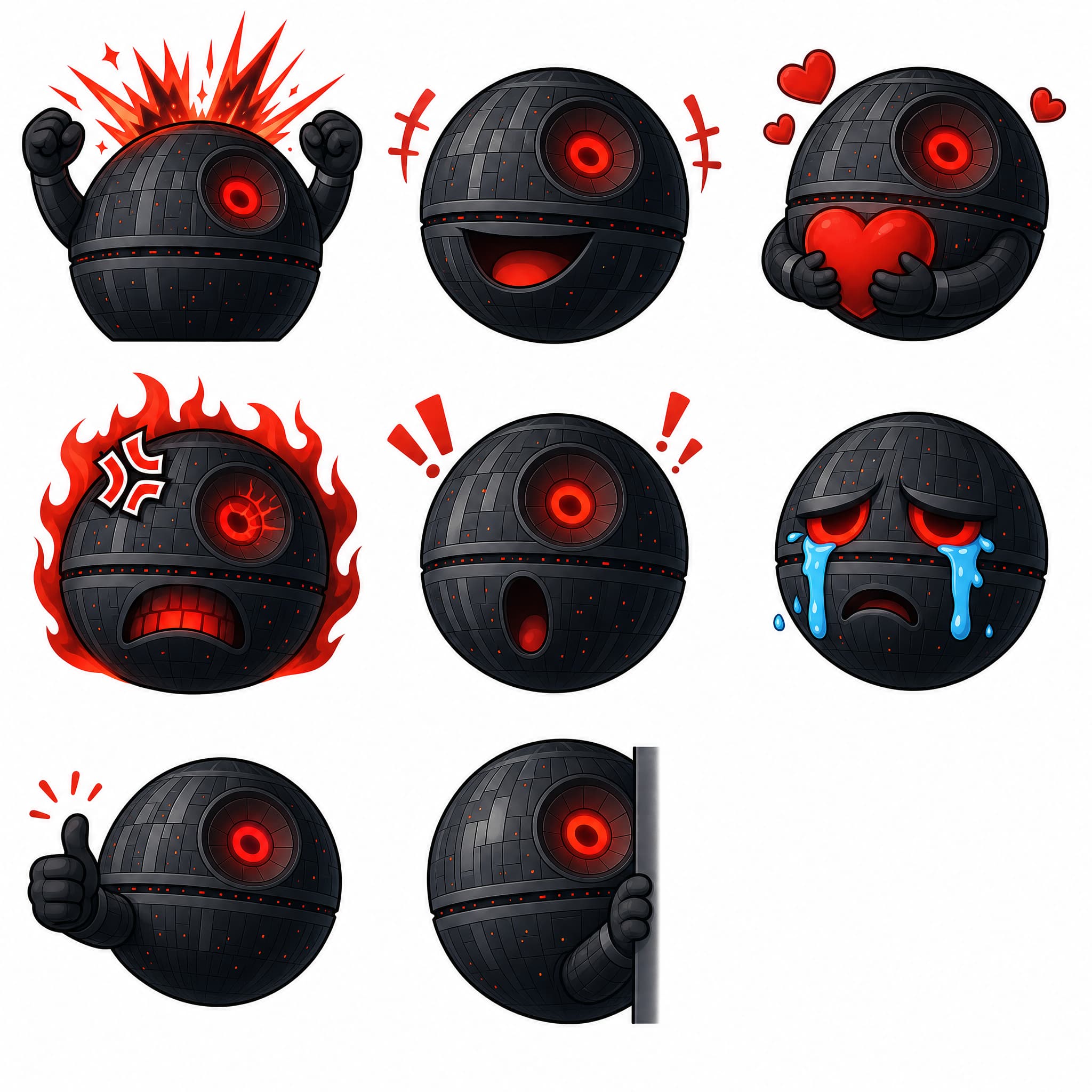
The original artwork and generated sheet are shown as a real source-to-result example.
You still review and upload the files yourself; Twitch approval is not guaranteed.
Eight reactions and three exact sizes
This twitch emote maker packages eight reactions at three sizes without other platform folders, animation, or automatic upload.
Each static reaction includes transparent PNGs at 28 × 28, 56 × 56, and 112 × 112 for manual-size upload.
A creator image uploads only after your request for safety checking and generation. This is not the browser-local instant-cutout path.
The route does not animate, upload, reserve slots, or predict moderation. Twitch controls eligibility, review, policy, and display.
Design, inspect, submit
A large result can lose facial detail at 28 pixels, so the page shows every reaction at exact display size on light and dark chat surfaces.
Upload a permitted JPG, PNG, or WebP with a clear face and silhouette. Tiny details can disappear at the smallest size.
One request creates Hype, LOL, Love, Rage, Shock, Sad, GG, and Lurk with the same identity, colors, outline, and close crop.
Inspect all three PNG sizes and choose files for your Twitch upload path. Check current official guidance before submission.
Creator reactions for live communities
The files help prepare Twitch responses; channel submission and viewer use remain subject to account and policy rules.
Turn an authorized portrait into reaction candidates. Use three sizes to spot weak silhouettes or lost facial detail.
Prepare recurring stream moods with imagery you own. Creators and moderators still decide what suits the channel.
Keep the archive with channel notes. A generated file is only a candidate, not Twitch affiliation, approval, or a reserved slot.
Static emote checklist
The download follows the explicit manual-size contract; compare it with current official Twitch guidance.
Static Twitch output questions
Use these answers with current official guidance when Twitch changes eligibility or submission rules.
Use one permitted JPG, PNG, or WebP creator or channel-character image up to 15 MB with a clear face or silhouette.
The ZIP contains Hype, LOL, Love, Rage, Shock, Sad, GG, and Lurk at 112 × 112, 56 × 56, and 28 × 28: exactly 24 transparent PNG files plus a manual-upload README.
No. This page requests generated reactions separately from local instant editing. Generation starts only on request and is not browser-local processing.
No. This page intentionally creates the same eight Twitch reactions and three static sizes on every request. Use the other dedicated tools for different outputs.
No. Upload files yourself. Twitch controls review and acceptance; the tool does not log in, animate, reserve slots, or guarantee moderation.
Choose a neighboring reaction workflow
Use another page for profiles, core chat reactions, or broader stickers. PNG alone does not confer Twitch specifications.
Bring one authorized creator or character image, generate the complete fixed set, and download only when all eight reactions remain recognizable at 28 pixels.
Open the Twitch Emote Maker