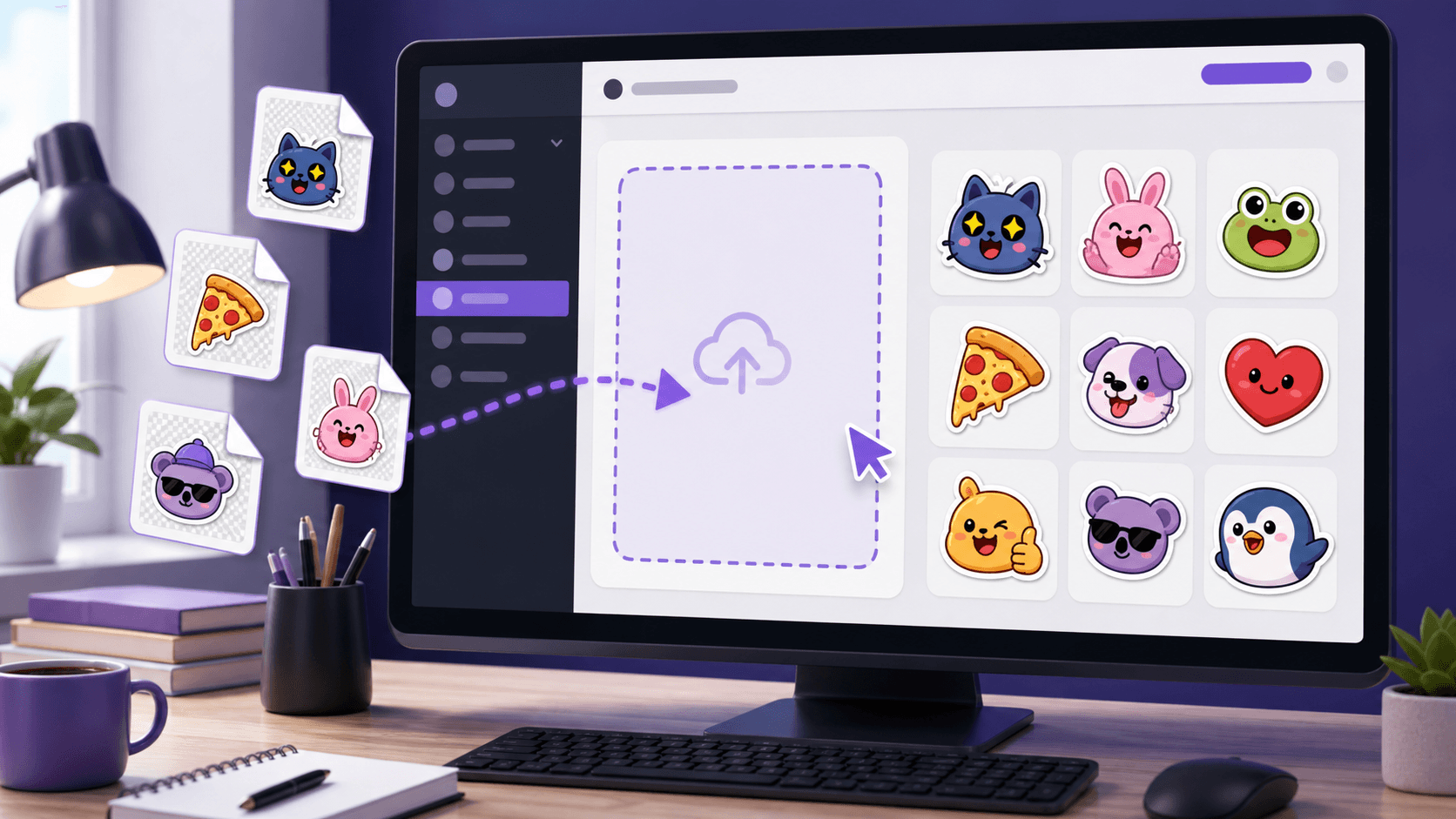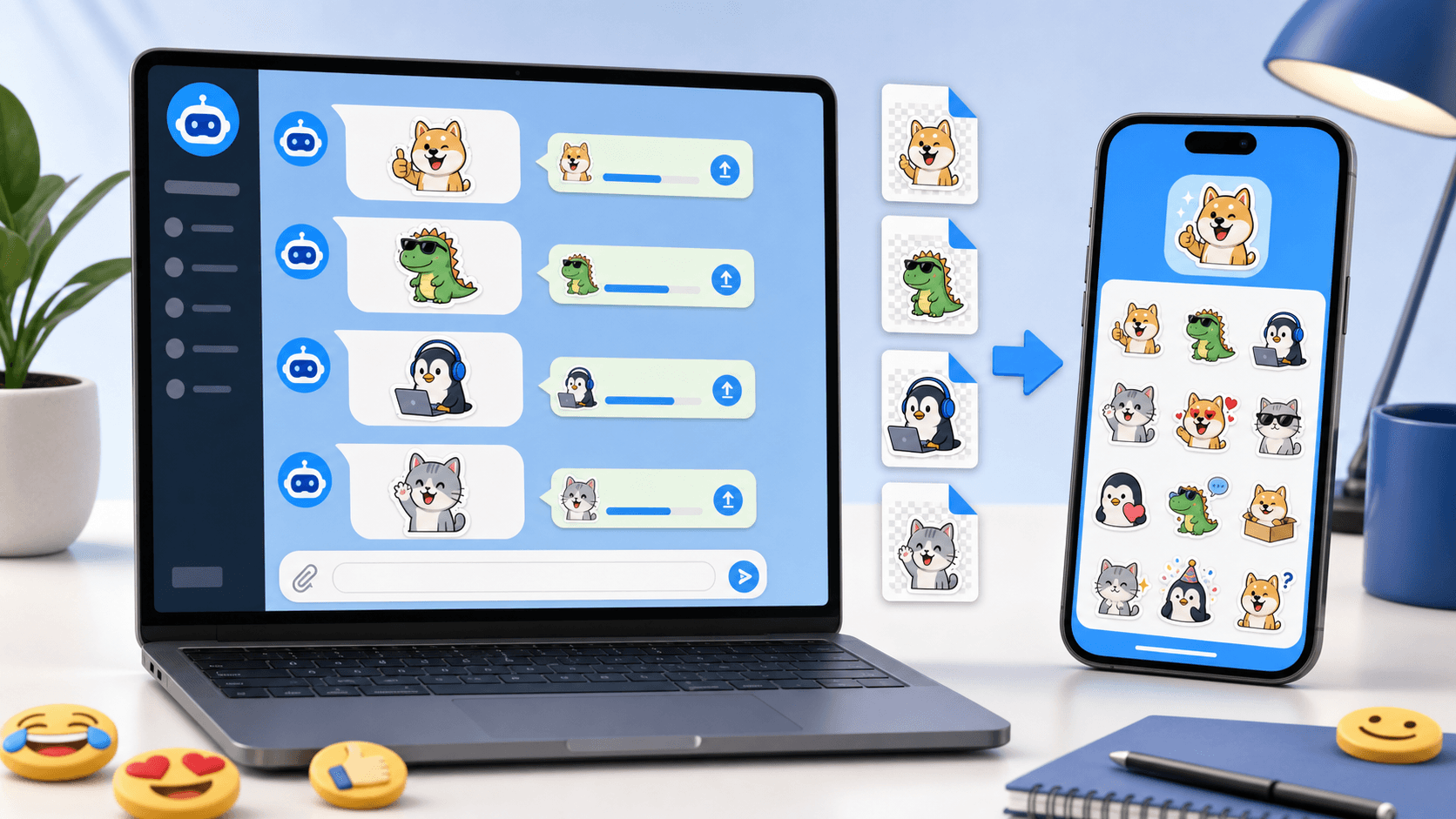
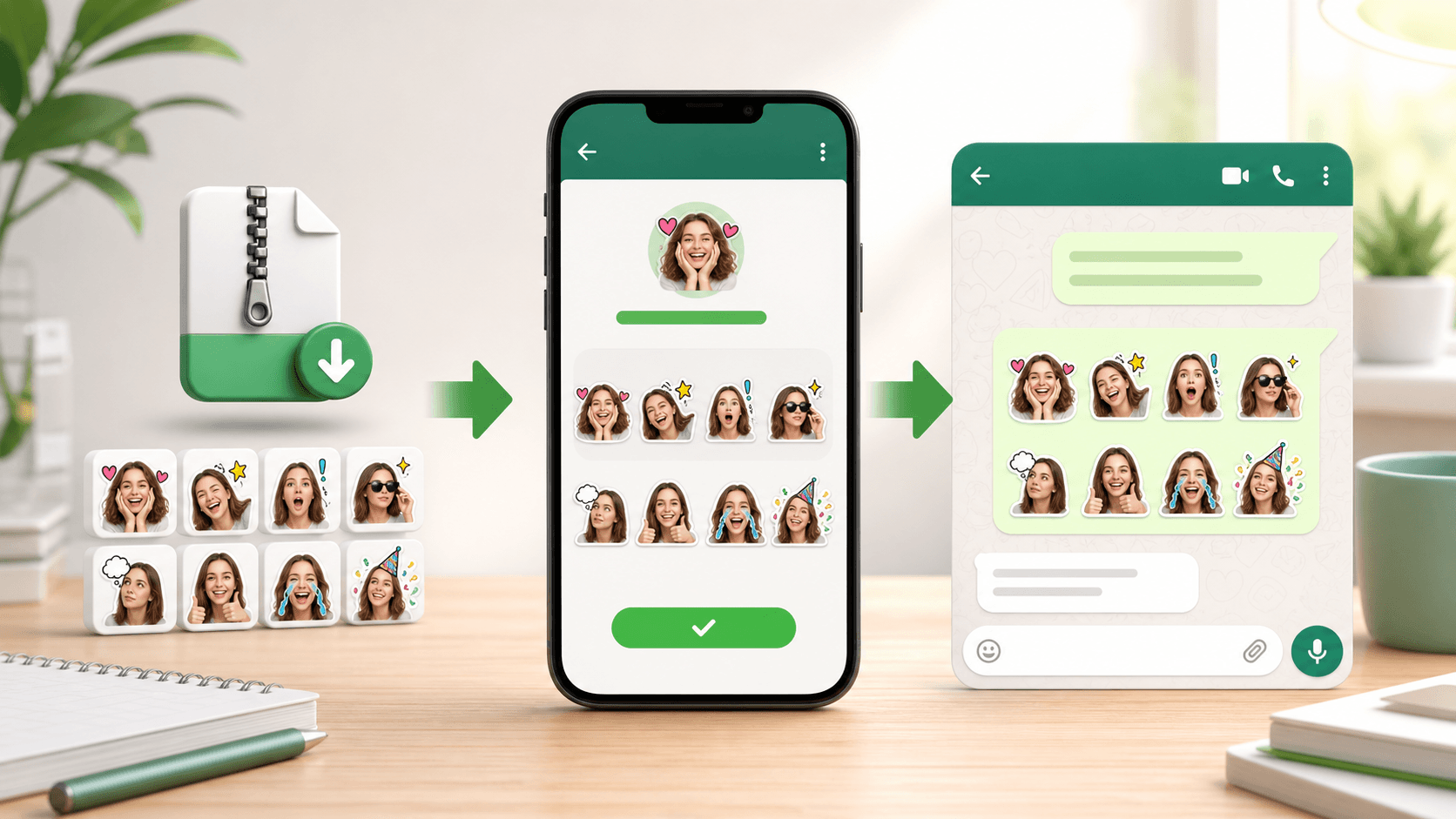
Downloaded WebP files do not install themselves in WhatsApp. First prepare the files, use a compatible sticker-maker app to build a WhatsApp pack, explicitly add that pack, and then choose it from the sticker tray in a chat.
PhotoToSticker creates the files and a localized import guide. It does not automatically install a pack, publish a WhatsApp app, or turn an arbitrary ZIP folder into a native reusable pack.
Open the browser-local PhotoToSticker studio when you still need to make the stickers. Before importing, compare the platform sticker size guide and the white sticker border guide.
How to access stickers on WhatsApp
Open a WhatsApp chat, open the emoji or sticker control beside the message field, and switch to the sticker tab. The exact icon placement can differ by phone, operating-system version, and WhatsApp release.
The tray normally shows available packs and recent or saved stickers. If your downloaded pack is not there, the files have not yet been added as a WhatsApp pack; continue with the preparation and import steps below.
How to enable and use an added sticker pack
After a compatible app confirms that the pack was added, return to WhatsApp and open the sticker tray again. Select the pack icon, tap a sticker to send it, and check several results against both light and dark chat backgrounds.
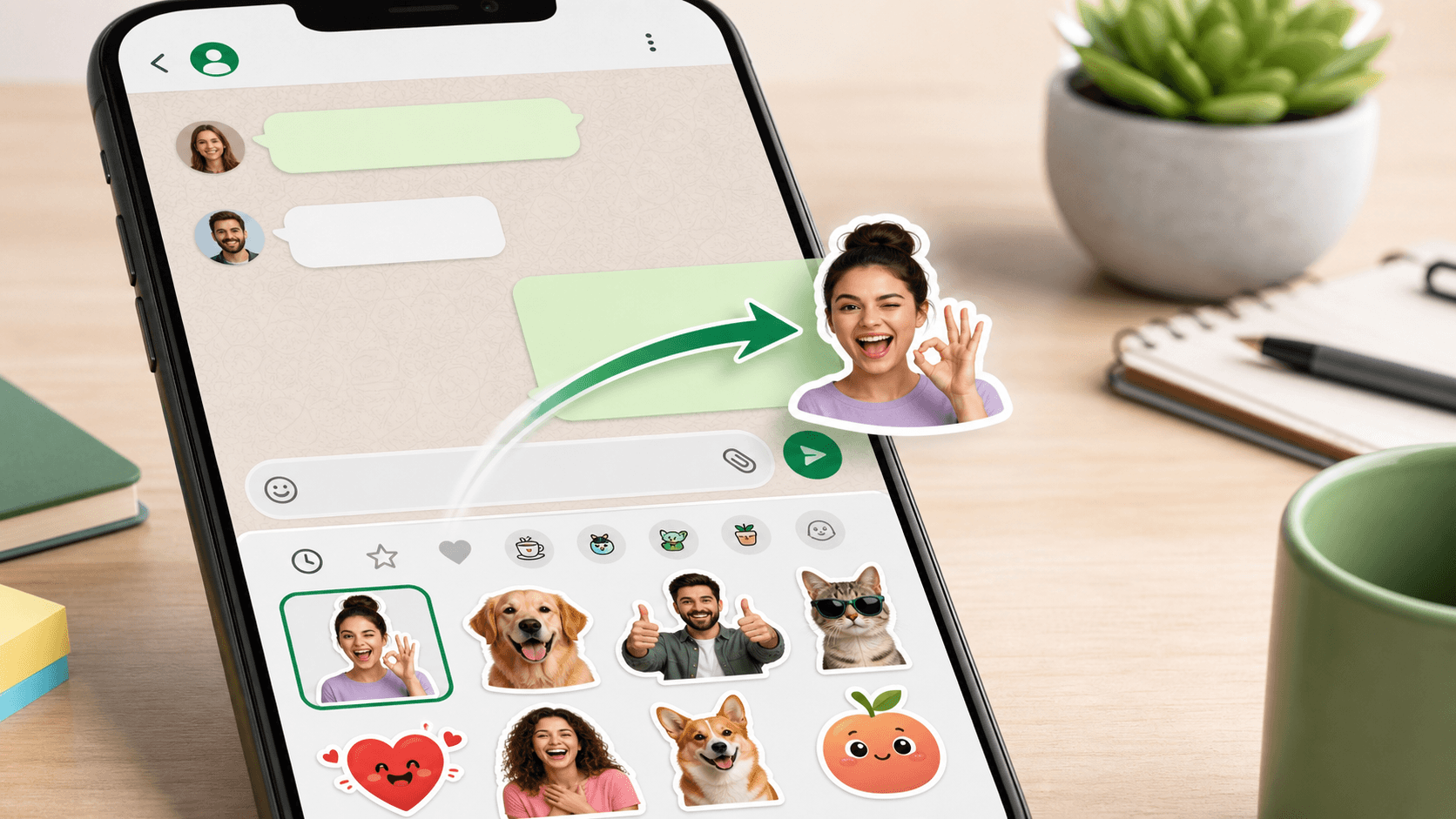
If the pack does not appear immediately, close and reopen the tray, confirm that you added the pack rather than only saved its source files, and then restart WhatsApp if needed. Do not delete the importing app or its pack data until you have confirmed how that app stores and maintains installed packs.
How to download and prepare a ZIP or WebP pack
- Download the WhatsApp ZIP from PhotoToSticker.
- Unzip it so the individual numbered WebP files are available.
- Keep the successful reactions together in one folder.
- Confirm each file is a static 512 × 512 WebP with transparency and no more than 100 KB.
- Preview small details, outer padding, and white borders before import.
A ZIP is only a delivery container. WhatsApp does not treat every ZIP folder as
a reusable native sticker pack, and renaming PNG or JPEG files to .webp does
not convert them. Use PhotoToSticker's WhatsApp export or a real image converter
that preserves transparency.
The current art targets are summarized from the official WhatsApp sticker sample requirements.
How to import with a compatible sticker-maker app
Choose an app that explicitly supports creating and adding WhatsApp sticker packs on your device. Its screens may vary, but the common flow is:
- Create a new pack and give it a recognizable name.
- Select the unzipped WebP files instead of the ZIP itself.
- Review the crop and order of every sticker.
- Use the app's Add to WhatsApp or equivalent action.
- Approve the handoff, return to WhatsApp, and check the pack in a chat.
PhotoToSticker cannot approve, operate, or troubleshoot a third-party app on your behalf. Check its current store listing, developer, permissions, data policy, and export limits before giving it access to your files.
How to use Sticker.ly
Sticker.ly is one possible third-party route, not a PhotoToSticker or WhatsApp feature. If you choose it, create or open a pack, select the unzipped sticker files, review the results, and use the current option that adds or exports the pack to WhatsApp.
Button names, sign-in requirements, free limits, permissions, cloud behavior, and privacy settings can change. Follow the version installed on your device and review its current disclosures instead of assuming an older tutorial screen still matches.
Can stickers be added to WhatsApp Status?
WhatsApp's native Status composer can offer photo, emoji, text, and sticker-like editing controls, depending on your app version. That ability is separate from installing a third-party chat sticker pack. An imported chat pack is not guaranteed to appear as a reusable Status pack.
If the Status editor offers the sticker you need, add it there. Otherwise export or compose an image for Status and check the result before publishing. Do not promise viewers an interactive or reusable sticker merely because the visual is placed on a Status image.
Can WhatsApp stickers be used in iMessage?
Not as an automatic cross-platform pack. A WhatsApp WebP folder or ZIP does not become an iMessage sticker pack simply by moving the files to an iPhone.
Apple Messages uses its own Stickers area, Live Stickers, and sticker apps. You can send an image as an attachment, create a separate Live Sticker from a supported photo, or use an iMessage-compatible sticker app. Apple's current Messages sticker guide describes those native paths; it does not import a WhatsApp pack for you.
Troubleshooting rejected or missing stickers
- It sends as a normal image: the file was attached from Photos or Files instead of selected from an installed sticker pack. Import and add the pack, then send from WhatsApp's sticker tray.
- The pack disappeared: reopen the importing app, confirm the source pack still exists, check whether WhatsApp or the helper app was reinstalled or had data cleared, and add the pack again if the app supports it.
- A file is rejected: verify real WebP encoding, exact 512 × 512 dimensions, transparency, and a file size at or below 100 KB. Re-export instead of merely changing the filename extension.
- The edge looks clipped or dirty: restore transparent padding, remove pale background pixels, and compare the same sticker on light and dark previews.
- A third-party app cannot see the files: review its Files or Photos access, move the unzipped files to a location it can open, and grant only the permissions you are comfortable providing.
Test the finished pack in a real chat before sharing it with friends, customers, or a community. If you are deciding which reactions belong in the pack, see how people use sticker packs.