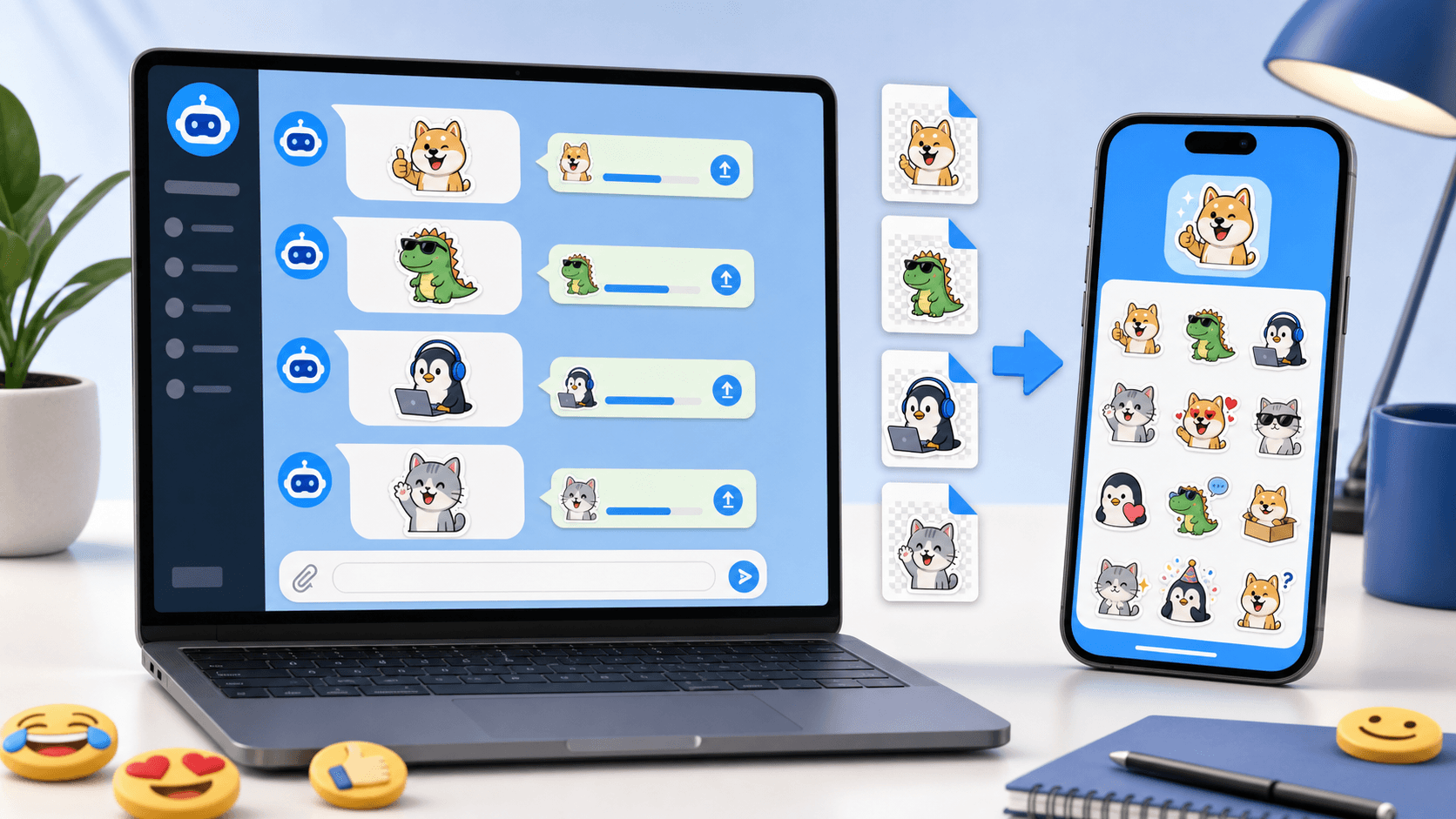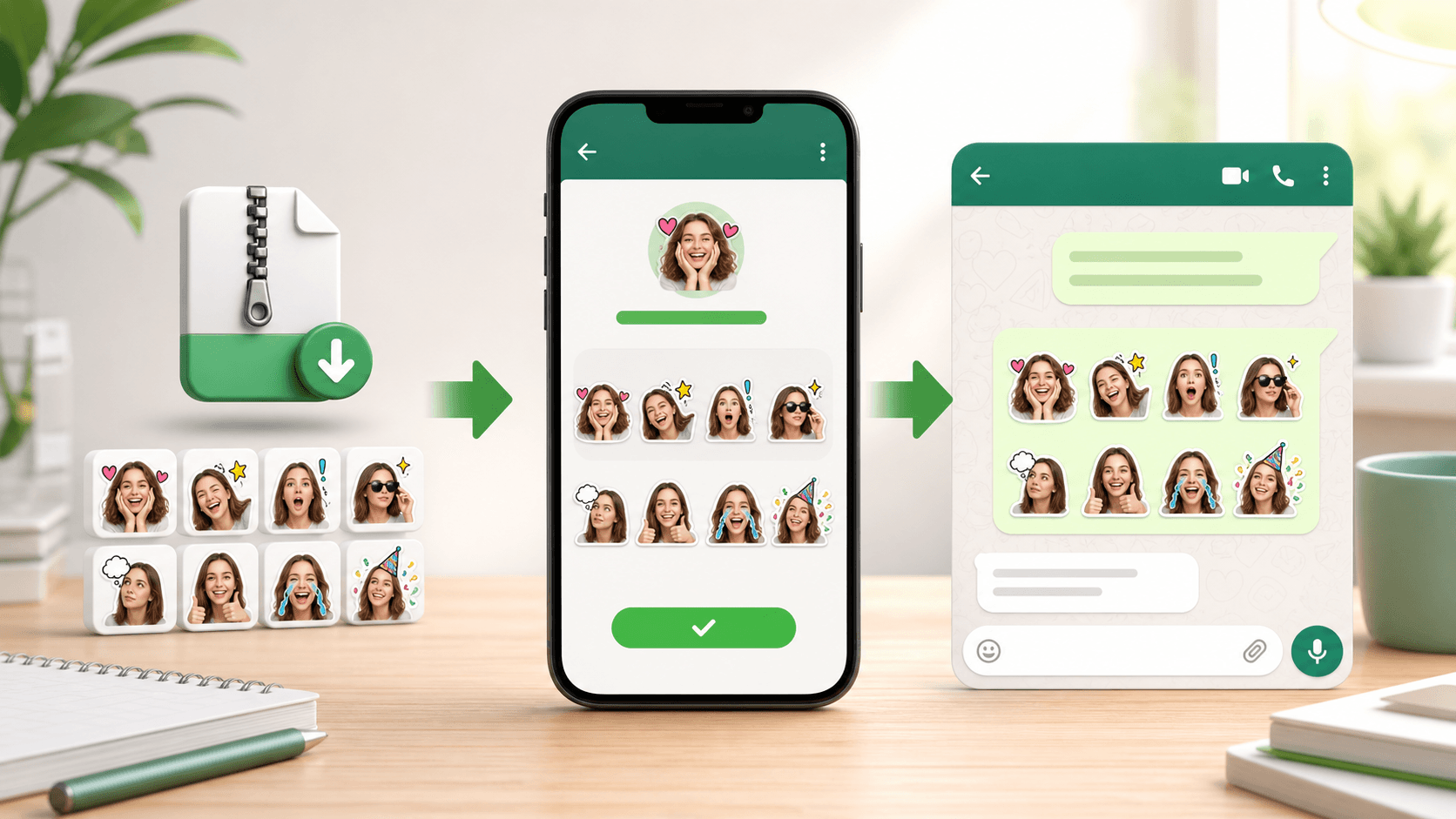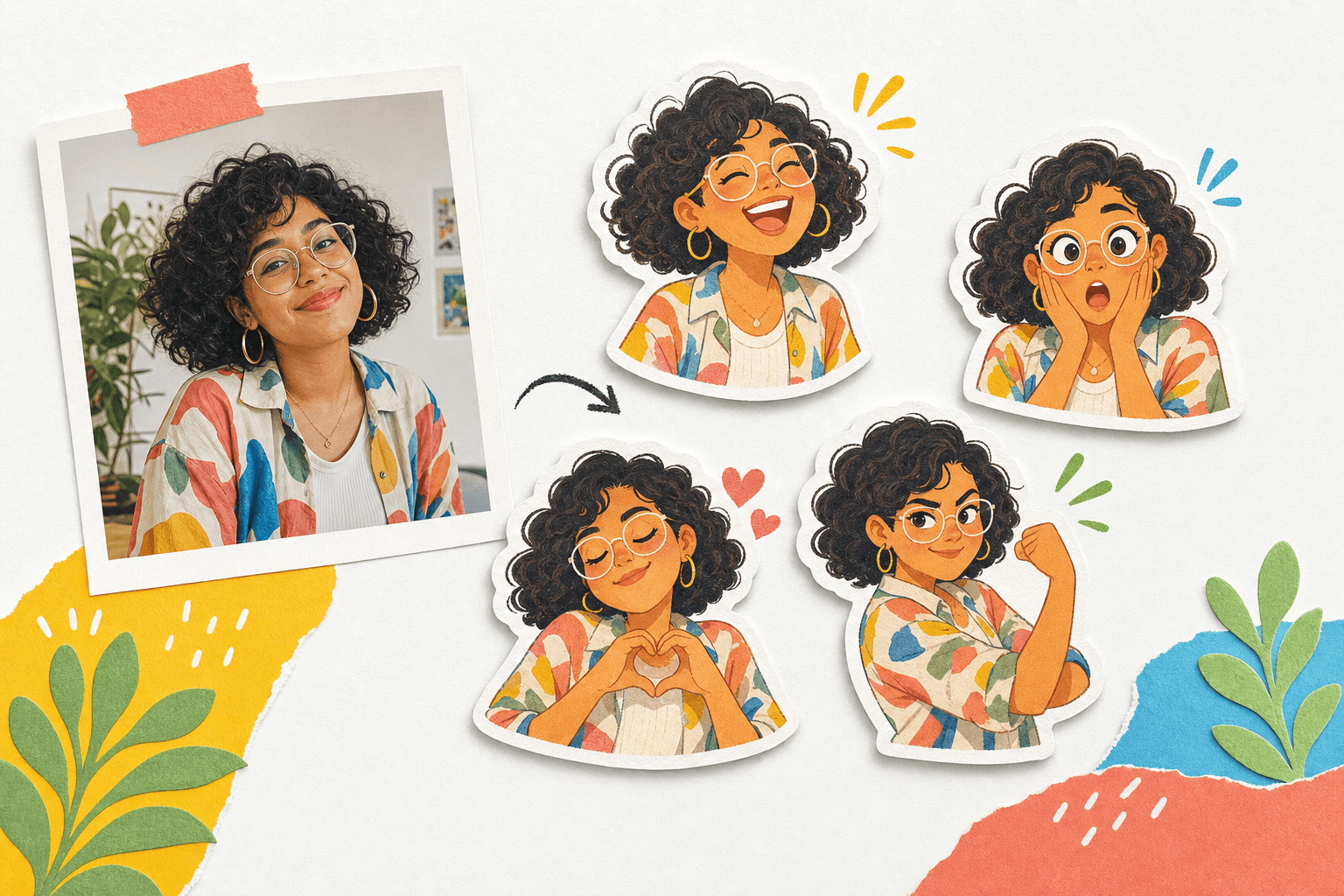
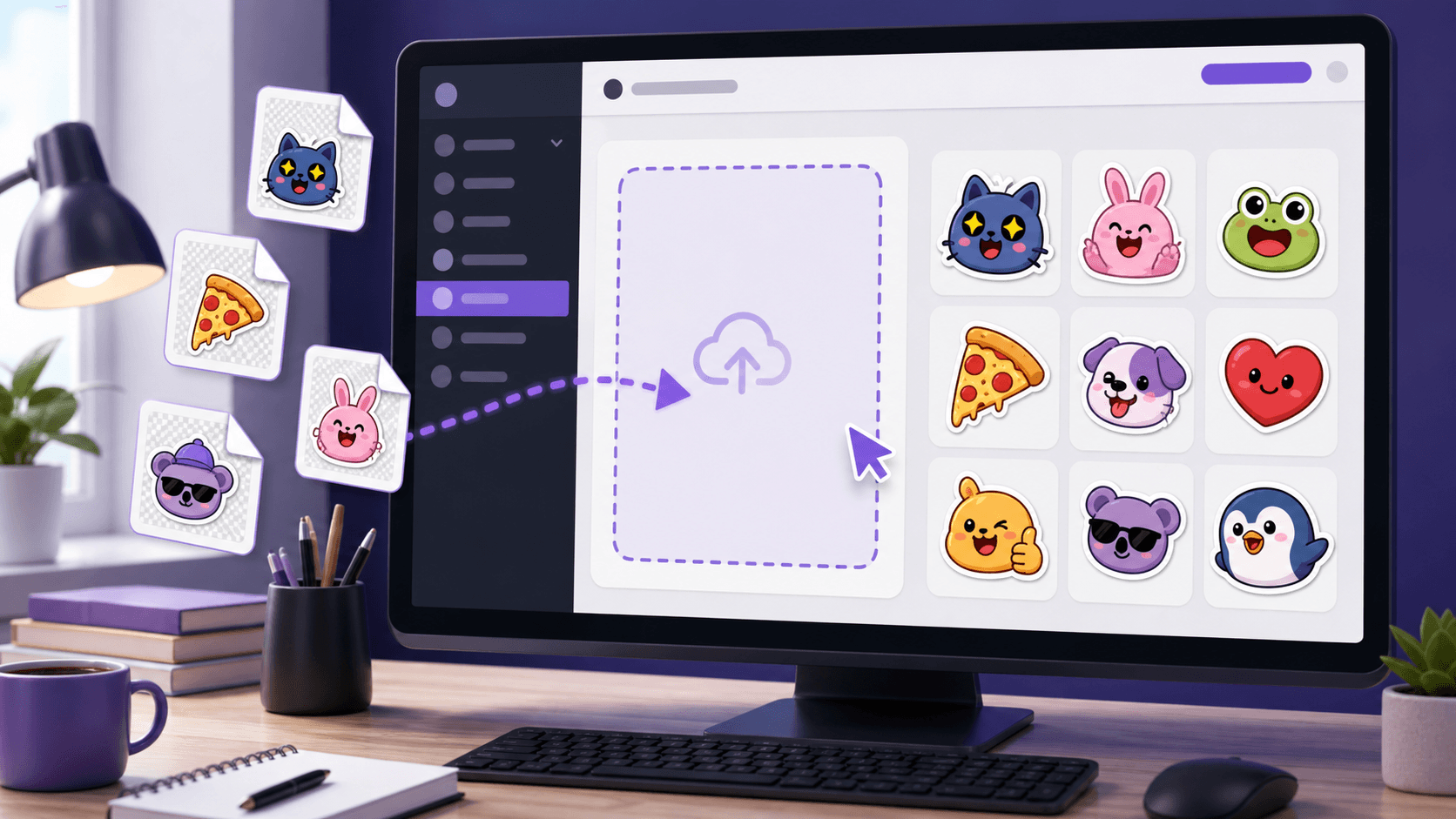
Discord stickers are managed at the server level. That means downloaded sticker files can be uploaded only if you have the right server permissions, and the available sticker slots depend on the server's current setup.
PhotoToSticker exports Discord-ready PNG files. If you are preparing a pack from scratch, use the PhotoToSticker studio and review the platform sticker size guide before uploading.
Check permissions first
Before you prepare the files, confirm that you can manage stickers for the server. If you do not see the sticker settings area, ask a server owner or admin to upload the files for you.
Also check whether the server has enough sticker slots. If it does not, you can still send the downloaded PNG as a normal image, but it will not become a server sticker available from the sticker picker.
Upload stickers to a Discord server
- Open Discord on desktop.
- Choose the server where the sticker should be available.
- Open Server Settings.
- Go to the Stickers area.
- Upload a downloaded PhotoToSticker PNG file.
- Add a clear sticker name and a related emoji.
- Save the sticker and repeat for the rest of the pack.
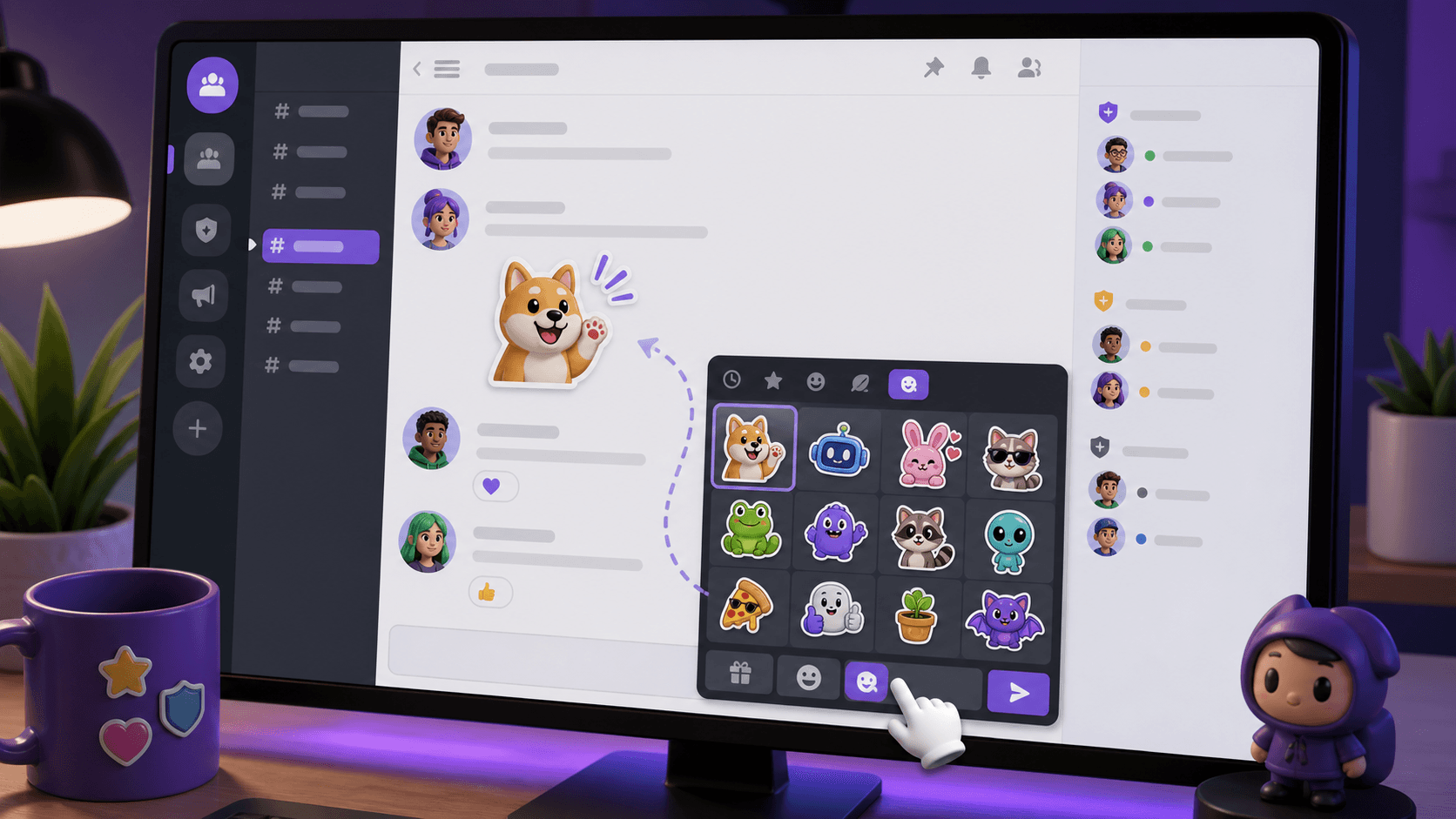
- Open a channel, open the sticker picker, and test the sticker in chat.
Because Discord stickers appear in a fast-moving community chat, simple silhouettes and strong expressions work better than tiny details. A clean border also helps the sticker survive on both dark and light themes. Use the white border guide if the subject blends into the chat background.
Make the pack useful for your community
Discord sticker packs work best when they match real community behavior. Create stickers for welcome moments, celebration, agreement, confusion, support, and inside jokes that members already use.
For more pack ideas, read how people use sticker packs. If the pack is public-facing, add a short guide or link back to the PhotoToSticker homepage so members can create matching stickers.
Common Discord sticker questions
Why can't I upload stickers to my Discord server?
You may not have the right server permission, or the server may not have available sticker slots. Ask a server owner or admin to check the server settings.
Can I use downloaded stickers without uploading them?
Yes. You can send a PNG as a regular image attachment, but it will not appear in the server sticker picker.
What file should I use for Discord?
Use the Discord PNG export from PhotoToSticker. It is designed for the smaller Discord target described in the platform sticker size guide.