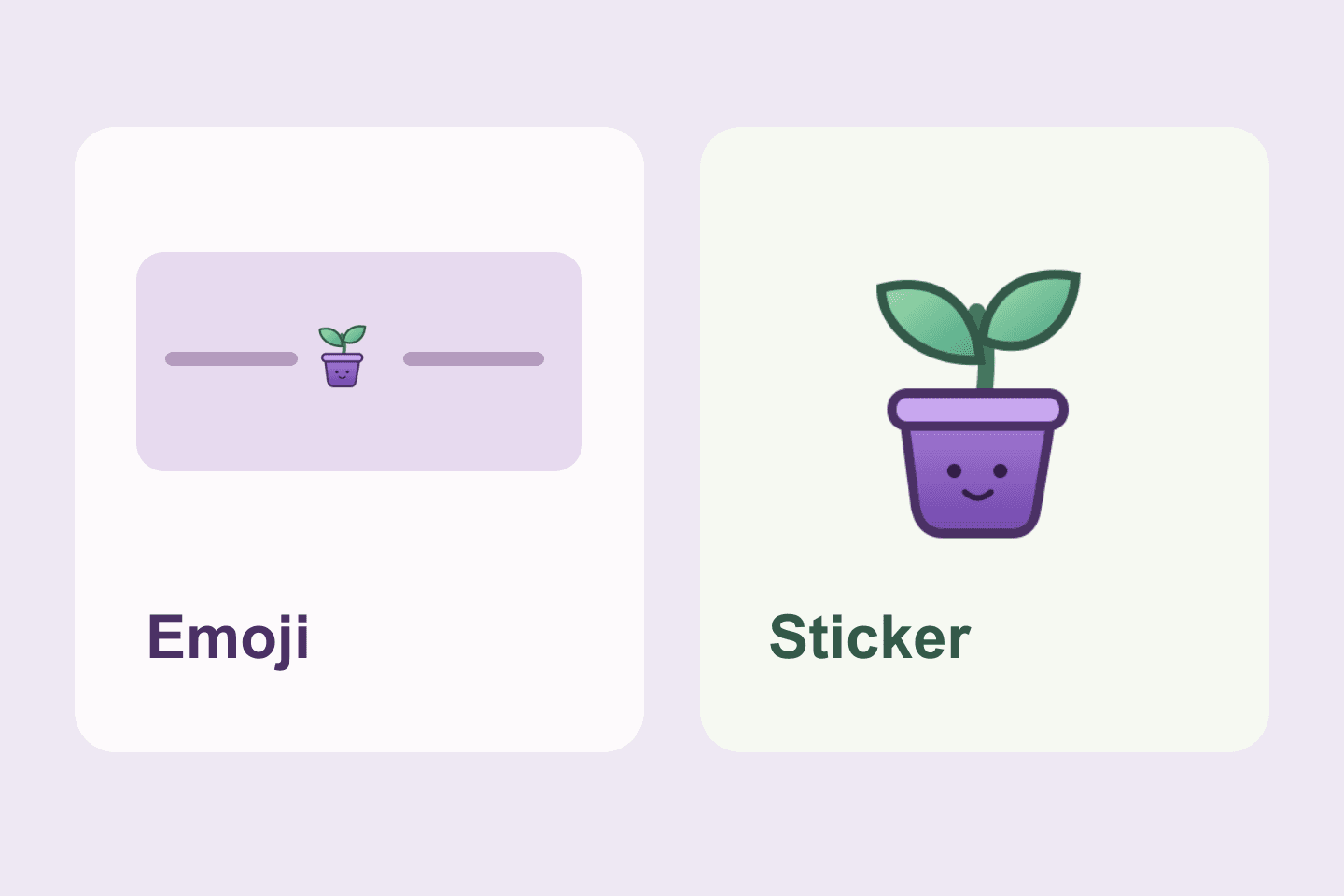
Platforms
Discord Emoji or Sticker? Choose How the Image Should Appear in Chat
Use a custom emoji in a line of text or as a reaction, and a sticker for an image sent on its own. Compare two PNG samples before uploading.
Compare sticker dimensions, image formats, and preparation notes for WhatsApp, Telegram, Discord, and other sharing platforms.
Use a custom emoji in a line of text or as a reaction, and a sticker for an image sent on its own. Compare two PNG samples before uploading.
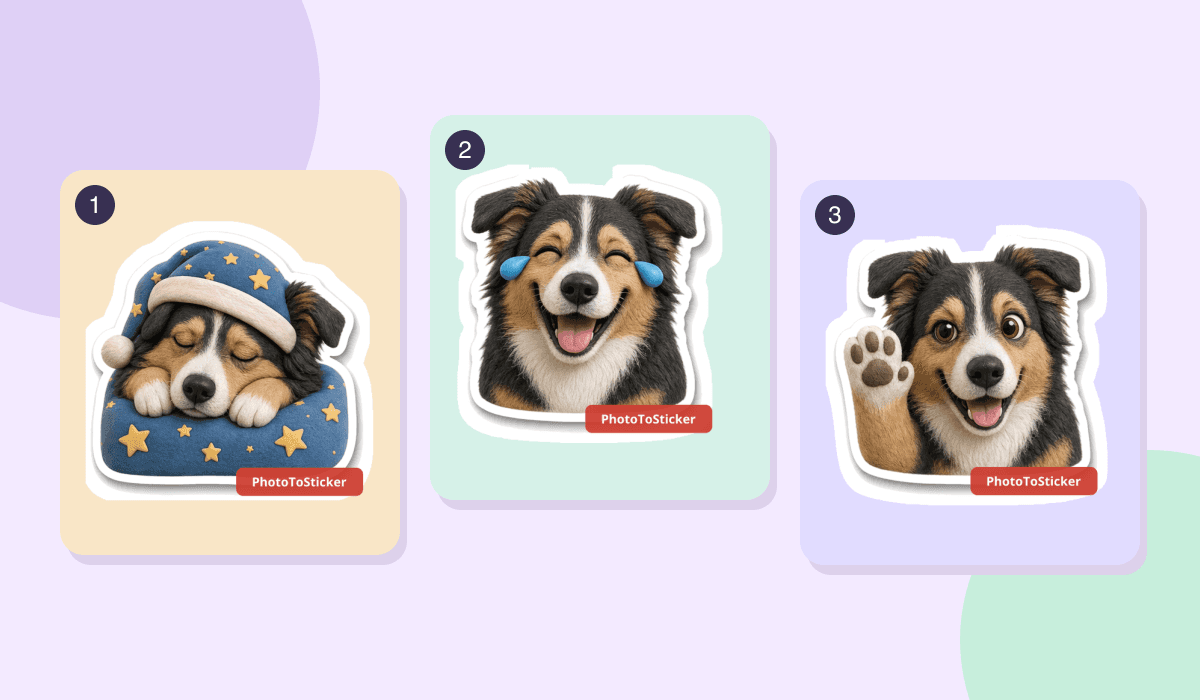
Prepare individual transparent PNG or WebP stickers, build the pack in Signal Desktop, and check what recipients can see before you share it.
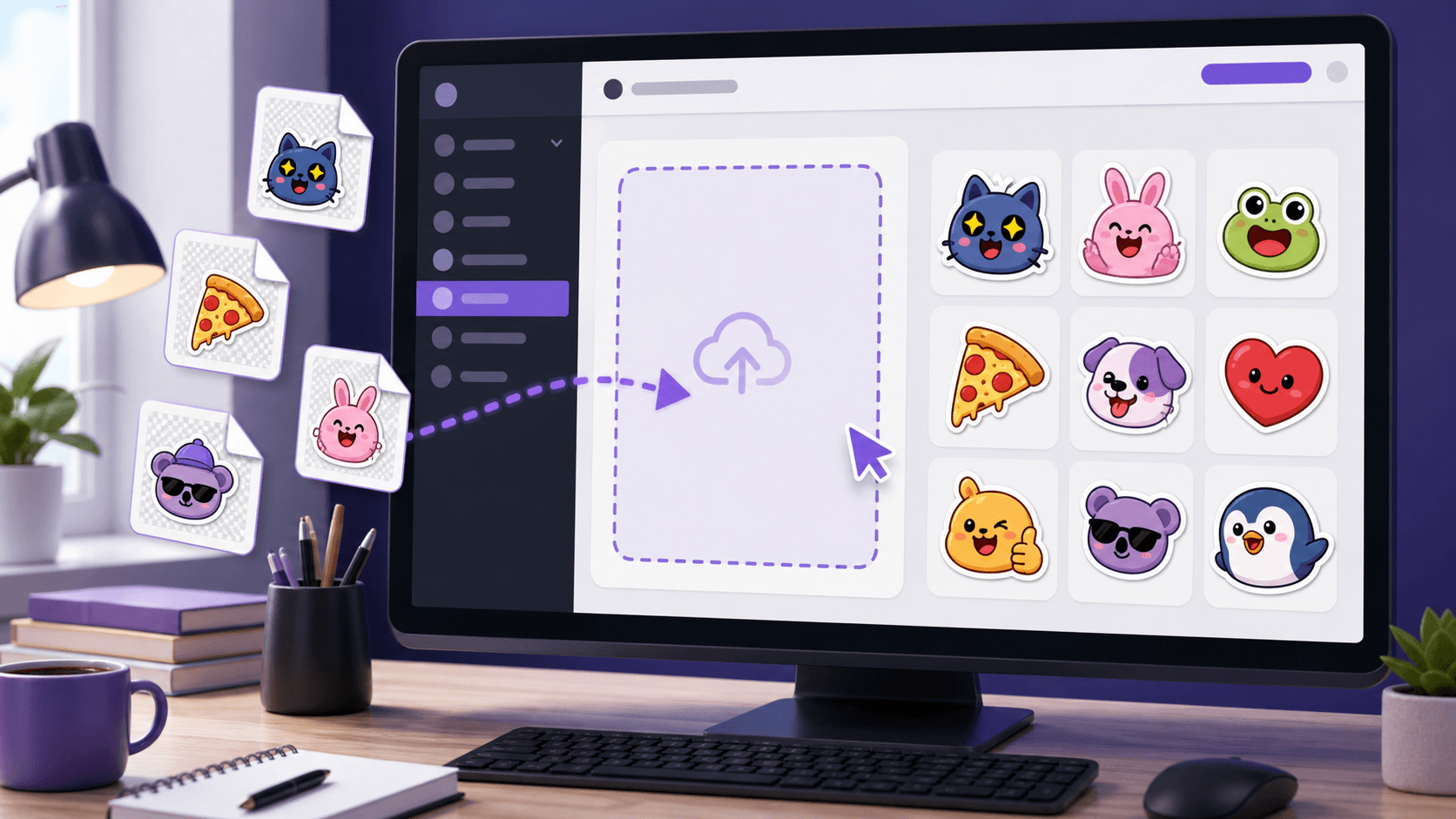
Learn how to add downloaded PhotoToSticker PNG files to a Discord server, check permissions, and use them in chat.
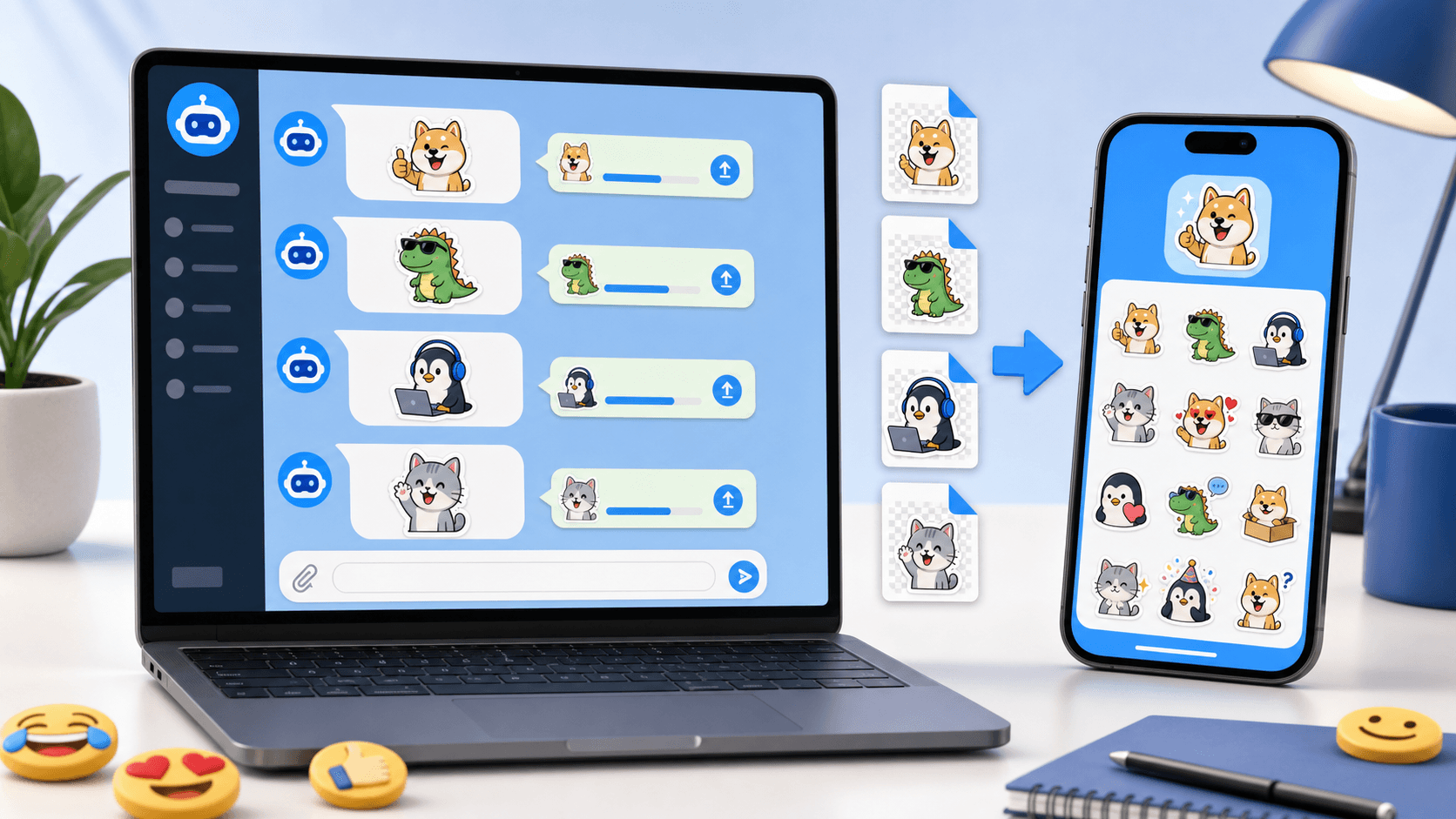
Add downloaded PhotoToSticker PNGs with Telegram's built-in Sticker Editor, or use the optional Stickers Mini App and bot workflow.
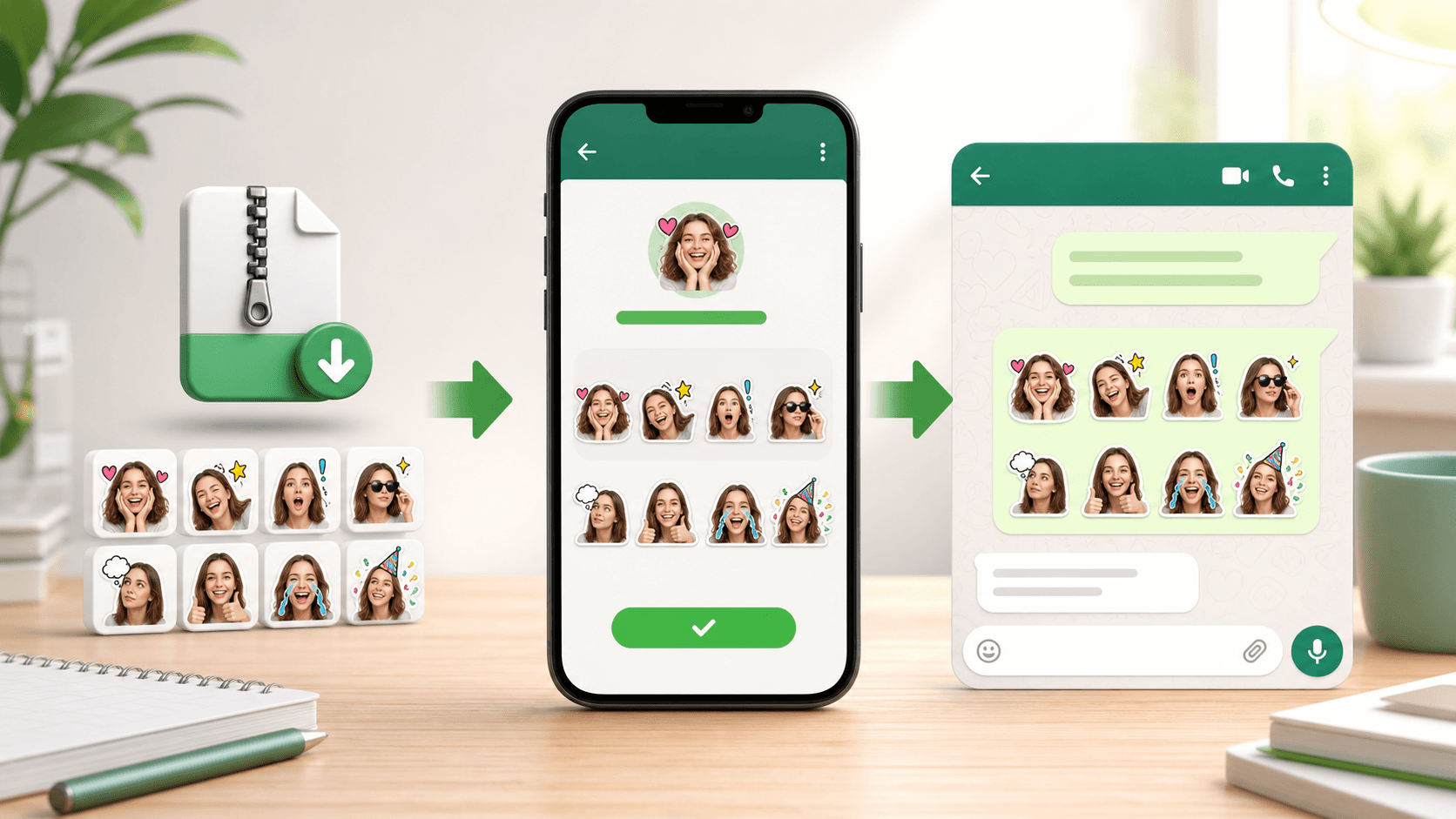
Follow iPhone and Android steps to create WhatsApp stickers from PNG files, prepare ZIP and WebP packs, and fix missing images, cropping or import problems.
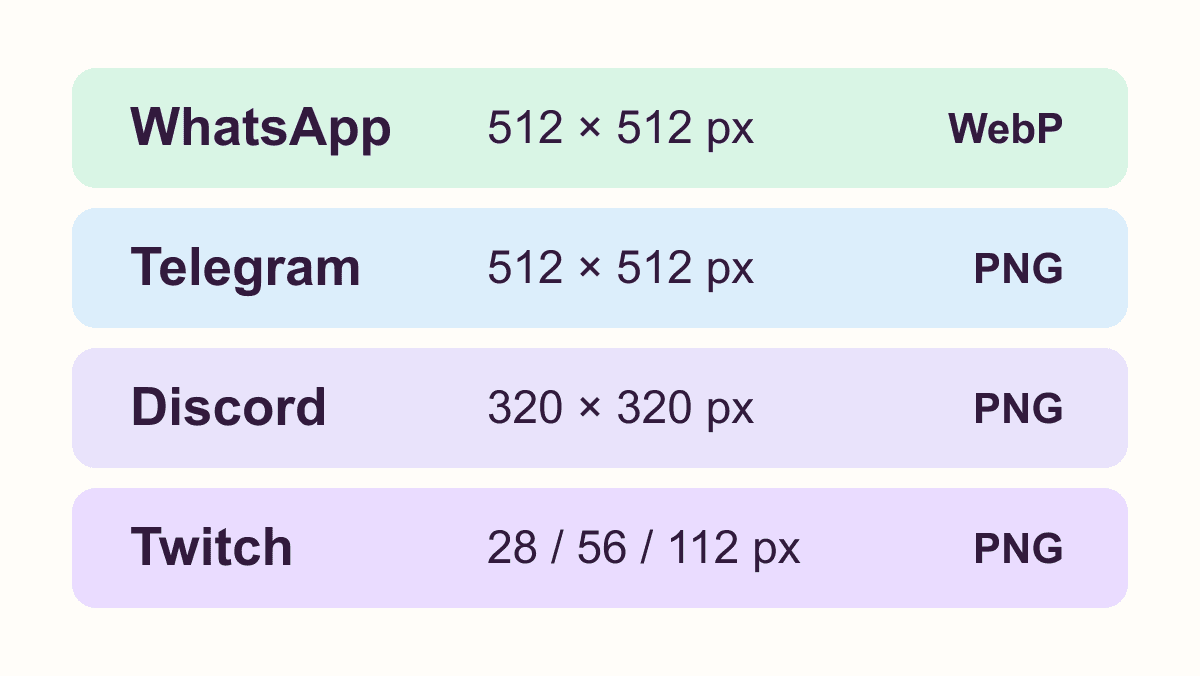
Compare verified static sticker and emote dimensions, formats, file-size limits, transparency rules, and import paths, then check a PNG or WebP locally in your browser.