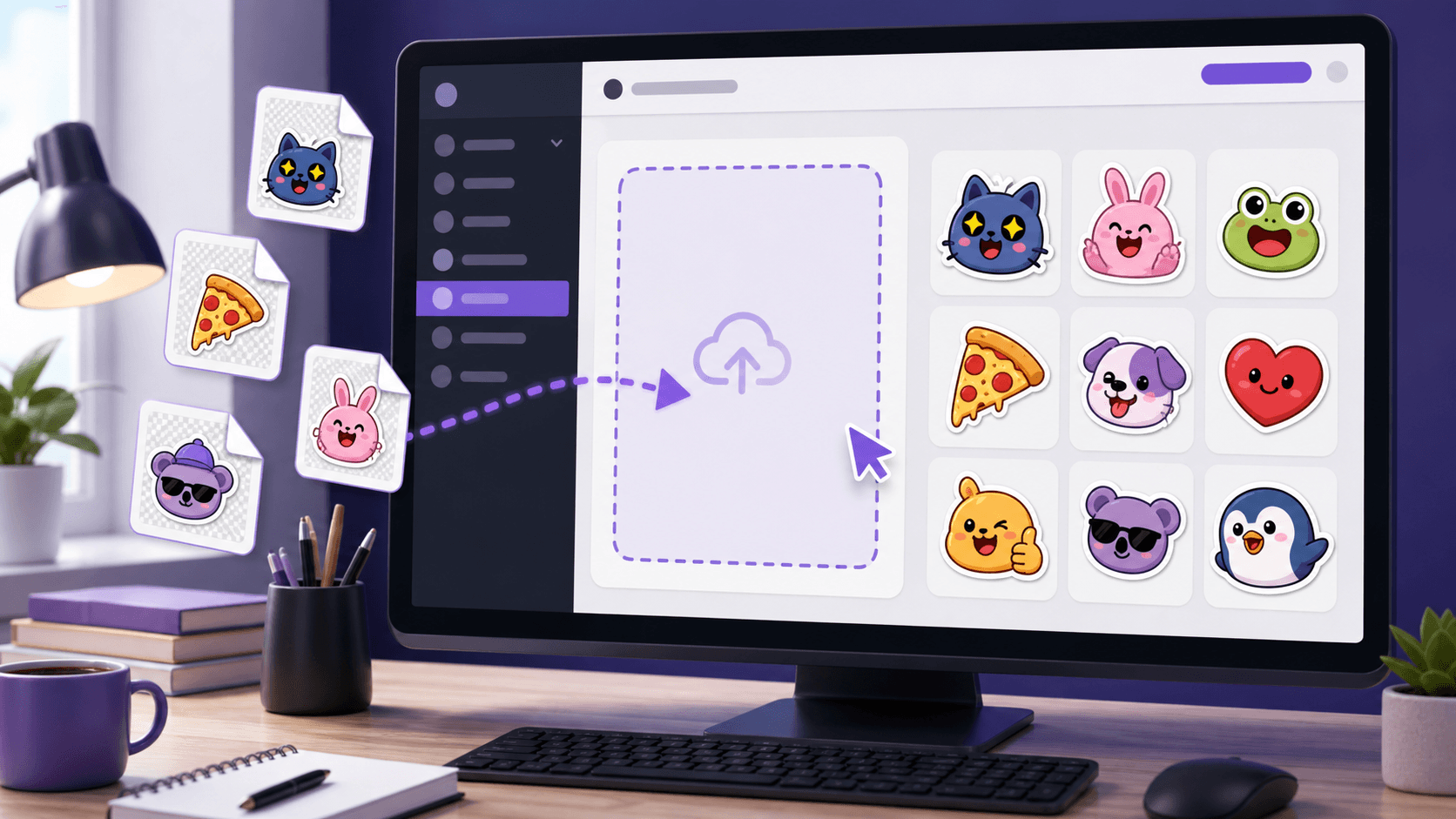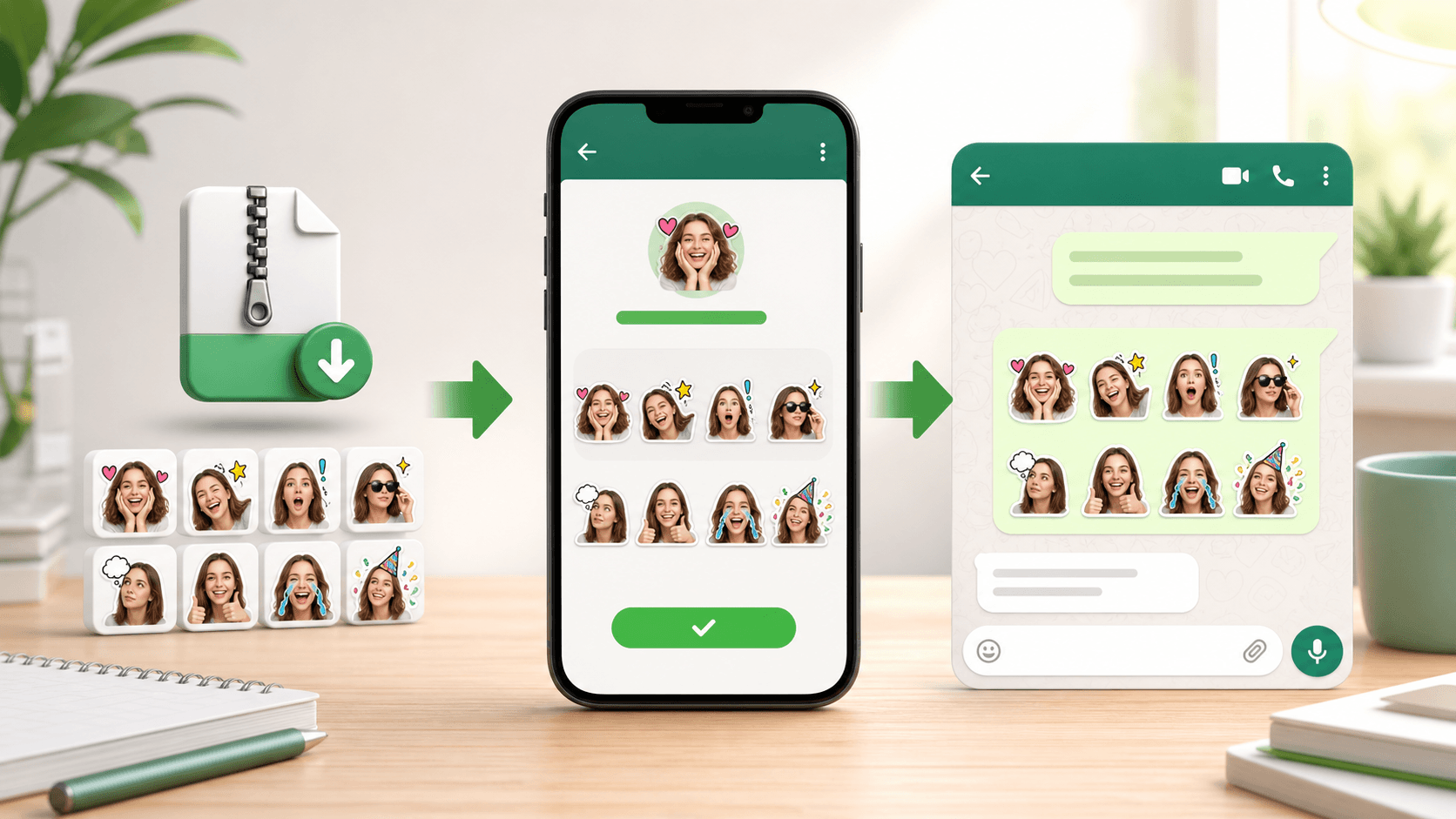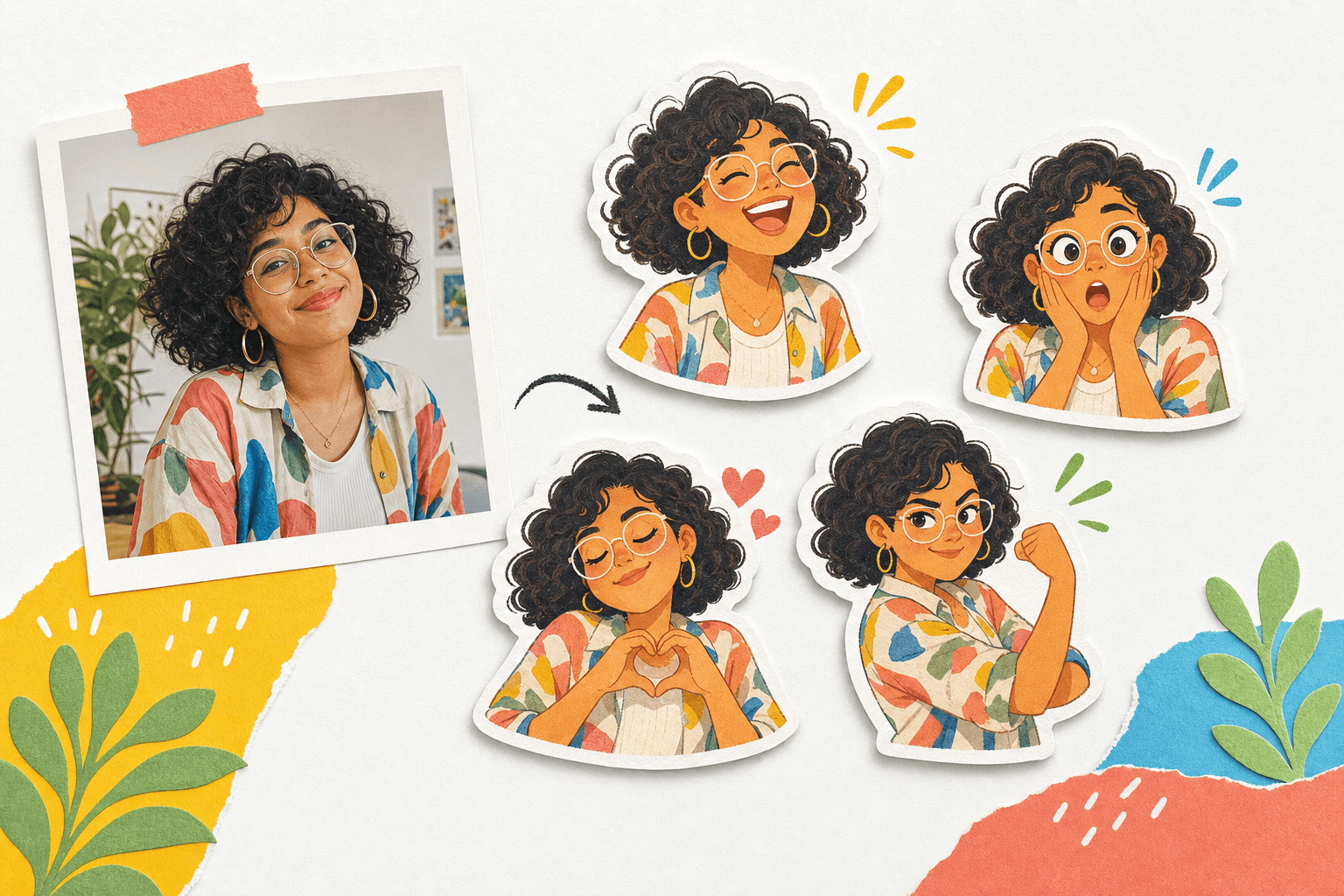
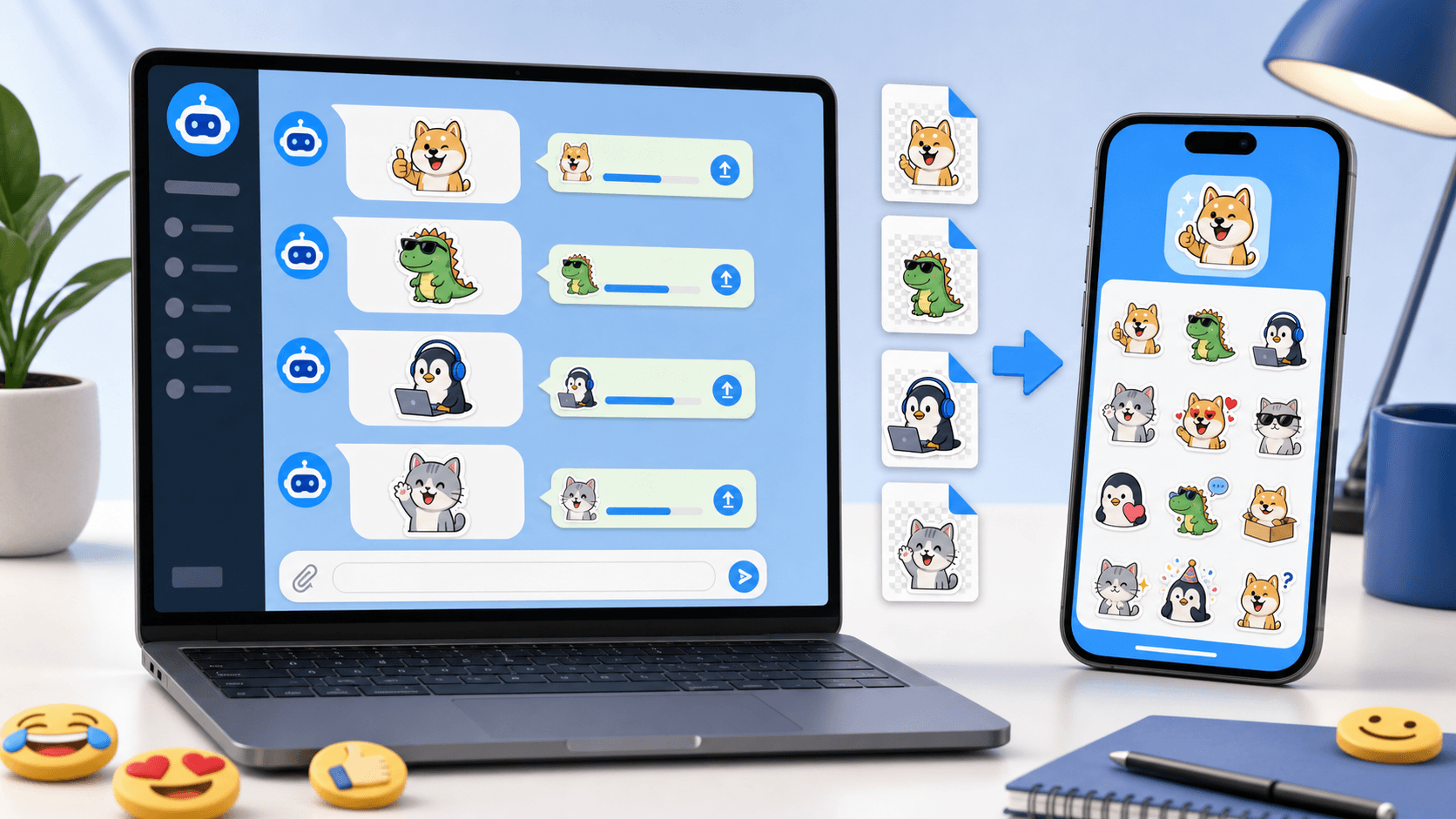
Telegram is one of the easiest platforms for publishing custom sticker packs. After downloading your PhotoToSticker ZIP, you can upload the PNG stickers to Telegram's official Stickers bot, assign emoji, and share the finished pack with a link.
Before publishing, create or export your artwork from the PhotoToSticker studio and compare your files with the platform sticker size guide.
Prepare the Telegram sticker files
Unzip the downloaded pack and choose the Telegram export files. PhotoToSticker's Telegram target uses 512 × 512 PNG files, which makes it easier to keep crisp transparent edges and a consistent pack layout.
Keep similar margins across the pack. A tall face sticker, a wide pet sticker, and a full-body pose should still feel like part of the same set. If the edge needs more definition, use the white border guide before uploading.
Publish a Telegram sticker pack
- Open Telegram and search for the official
@Stickersbot. - Start the bot and choose the command for creating a new sticker pack.
- Send the first PNG sticker from your downloaded pack.
- Assign one or more emoji that match the sticker's emotion.
- Repeat the upload and emoji step for the rest of the pack.
- Choose a short, memorable pack name when the bot asks.
- Publish the pack and open the generated link.
- Tap the add button to install the pack in your own Telegram account.
The emoji mapping matters. It helps Telegram suggest the right sticker when someone types an emoji in chat. Use direct emotional matches first, such as happy, surprised, love, confused, or celebration.

Share the finished pack
Telegram gives each published pack a shareable link. Add that link to your community post, creator bio, support article, or product launch page. If the pack is part of a broader campaign, link back to your sticker creation workflow or the PhotoToSticker homepage so people can make their own version.
For inspiration on pack concepts, read how people use sticker packs. Reaction packs, pet packs, event packs, and team inside-joke packs all work well on Telegram because the link is easy to share.
Common Telegram sticker questions
Do I need a bot to publish Telegram stickers?
Yes. The official @Stickers bot is the standard publishing flow for Telegram
sticker packs.
Can I publish one sticker at a time?
You can start with a small pack and add more stickers later. A focused pack with 8 to 12 useful reactions is usually better than a large pack with repeated expressions.
Should I upload PNG or WebP?
Use the Telegram PNG export from PhotoToSticker unless you are following a different Telegram sticker type with separate requirements.