Pack design
iPhone HEIC Photo Won’t Open in Sticker Studio? Try a JPEG Copy
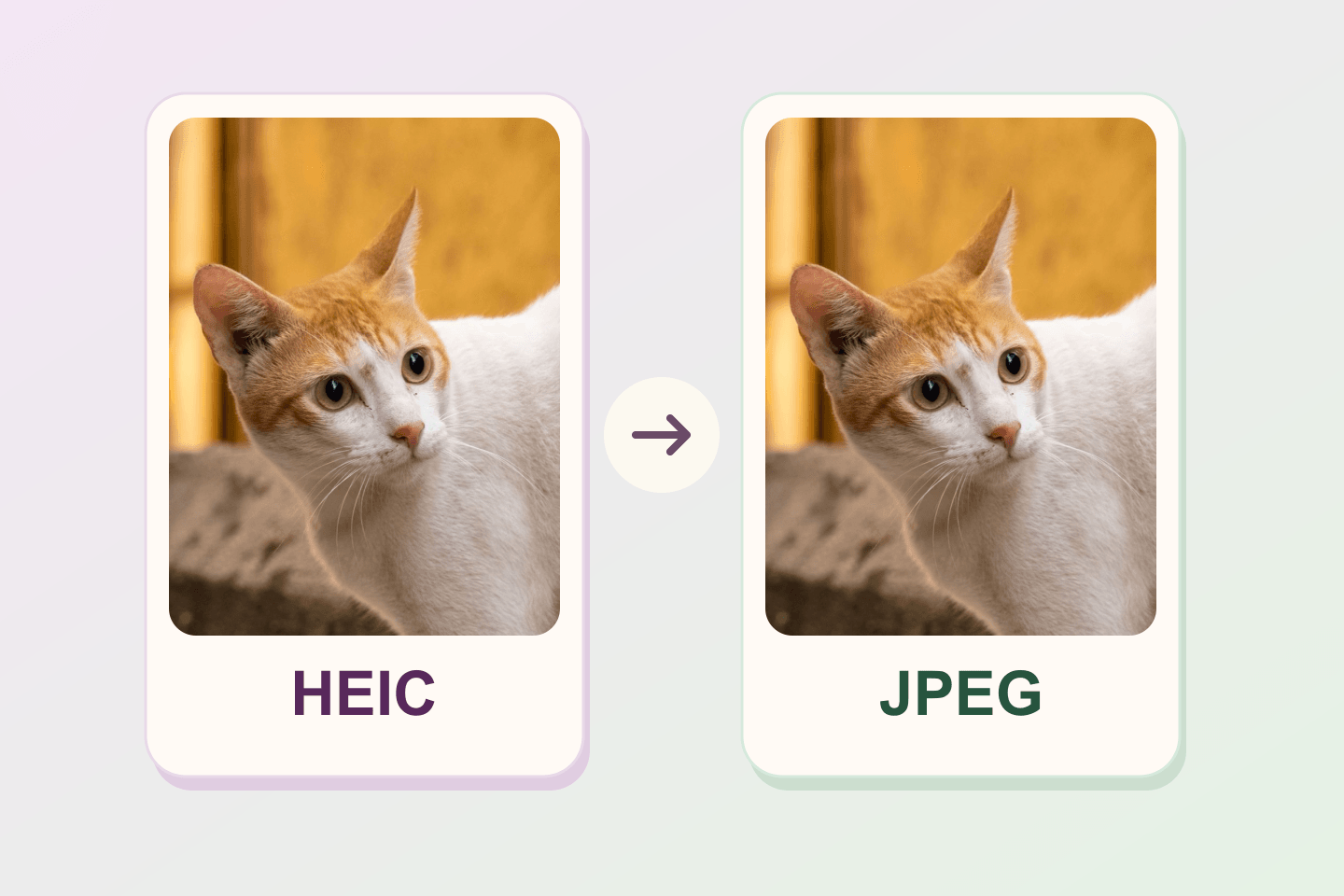
An iPhone photo can pass the format check and still fail to preview. Compare a real HEIC and JPEG pair, then export a copy and try it in Sticker Studio.
Practical guides for turning personal photos into expressive sticker packs, choosing reactions, and preparing files for everyday use.
An iPhone photo can pass the format check and still fail to preview. Compare a real HEIC and JPEG pair, then export a copy and try it in Sticker Studio.
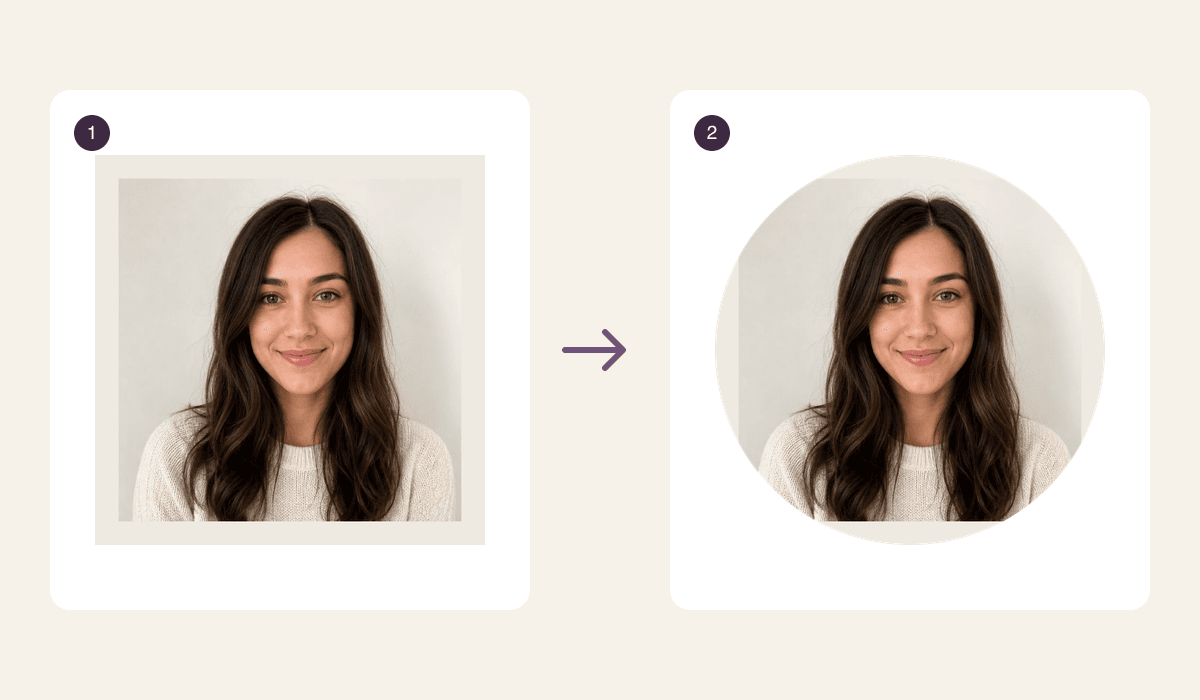
Keep hair, ears and chin inside a circular profile preview. Compare square and round examples, reframe your portrait, and check the destination before saving.
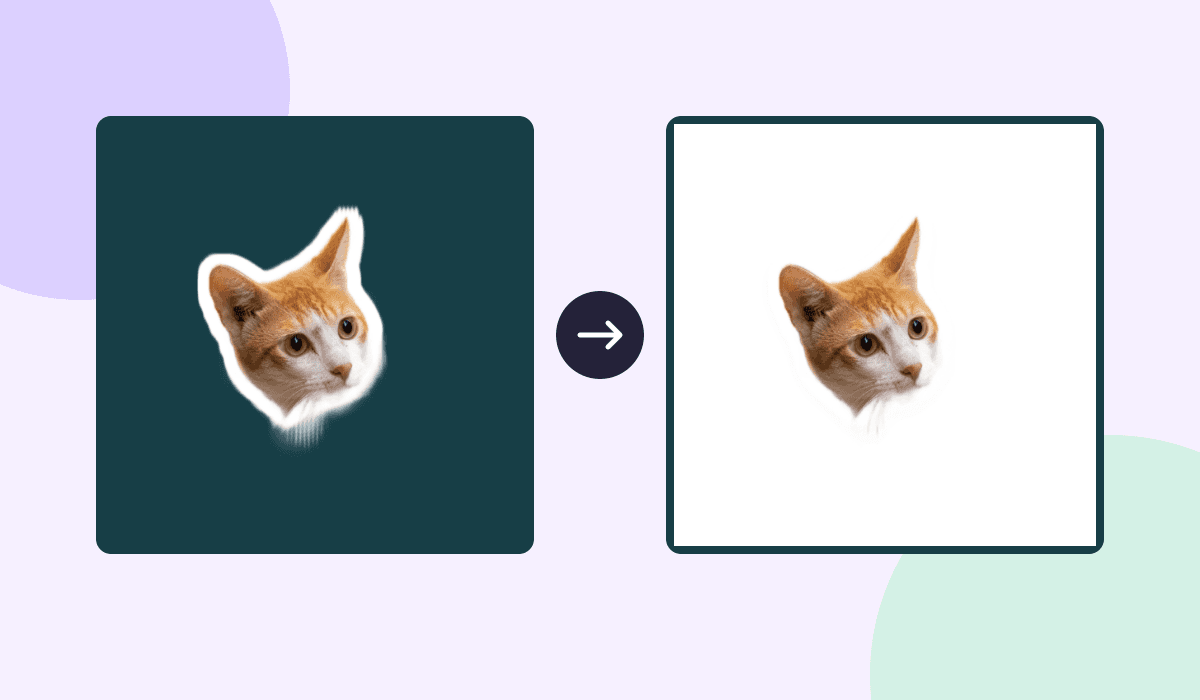
Find out whether a sticker PNG is truly transparent or has a white box or checkerboard baked in. Compare three files and check the one you will send.
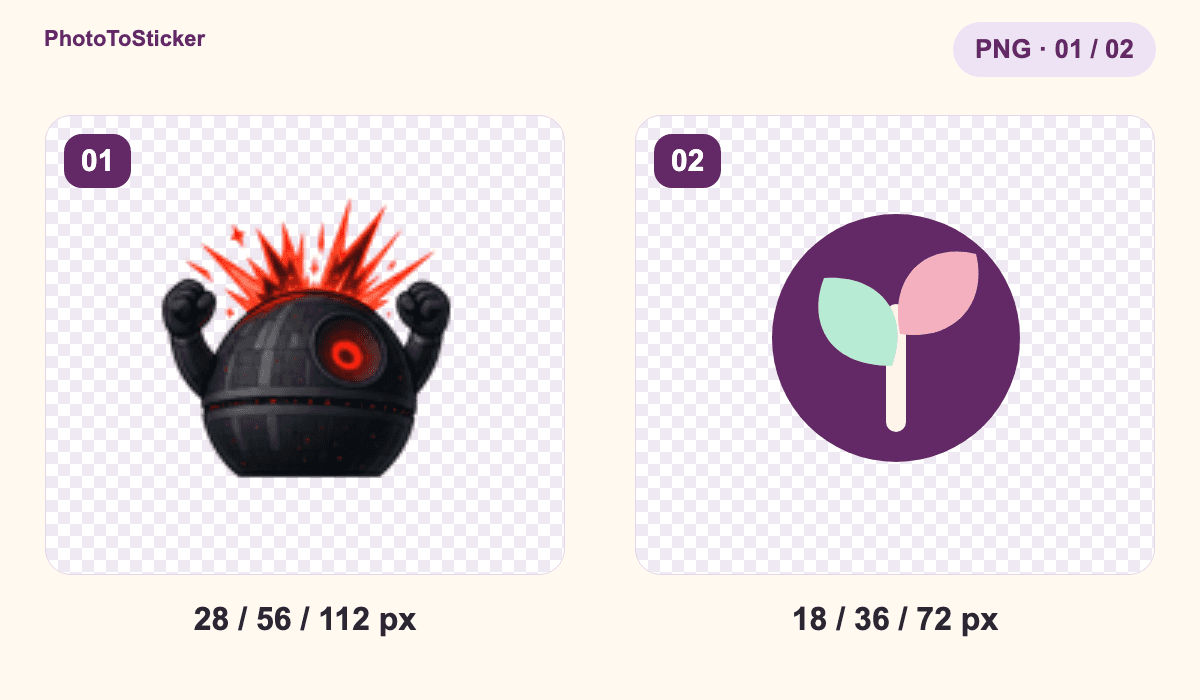
A reaction inside a message and a badge beside a username need different assets. Compare real PNG examples and choose the right Twitch workflow.
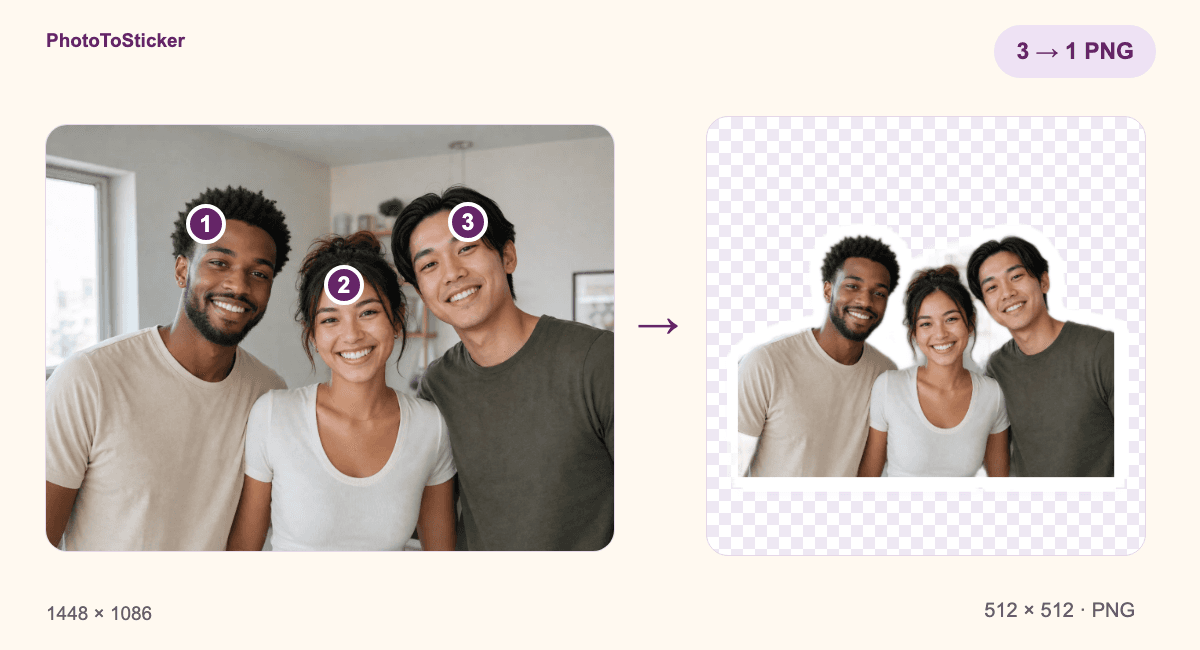
Prepare a group photo for one transparent sticker. Check faces, framing and mask edges with a real three-person PNG before choosing a chat import route.
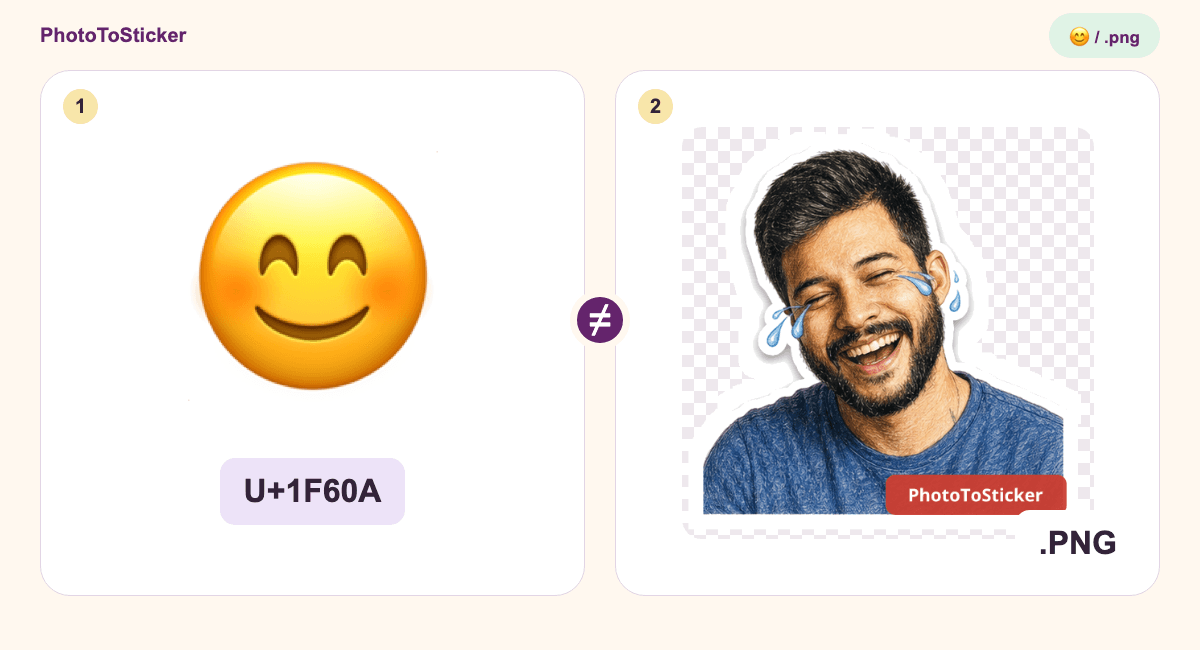
A custom emoji download is an image, while a bio may accept only text. Inspect a real PNG and choose the right way to create, share or upload your artwork.